Key takeaways
- Adobe acquired Magento in 2018 for $1.68 billion and rebranded the paid product to Adobe Commerce in April 2021.
- magento.com now redirects to an Adobe enterprise sales page, with no self-serve signup and no published pricing.
- Magento Open Source is still free software, but hosting alone runs $4 to $500+ a month, and you still need a development team to run it.
- Frammerce has no Magento or Adobe Commerce integration. It connects to Shopify only, through Shopify's Storefront API, and adds a Framer design layer on top.
Why does magento.com redirect to an enterprise sales page now?
Adobe acquired Magento Commerce in 2018 for $1.68 billion, completing the deal that June. Nothing changed for merchants immediately. The bigger shift came in April 2021, when Adobe officially rebranded the paid, licensed product from Magento Commerce to Adobe Commerce, folding it into the Adobe Experience Cloud lineup alongside products like Experience Manager.
That rebrand split the platform into two distinct products. Adobe Commerce is the paid, enterprise tier: cloud infrastructure, B2B catalog tools, and Adobe support, sold through Adobe's sales organization. Magento Open Source kept the original name and stayed free and self-hosted, running the same underlying commerce core: catalog, checkout, payments, shipping, and Page Builder.
The practical result today is what you see when you type magento.com into a browser: it redirects to Adobe's Magento Commerce sales page, an enterprise page built around Adobe's sales team, not a self-serve checkout. There's no published pricing table anywhere on it. To find out what Adobe Commerce actually costs, you have to talk to a salesperson first.
Why are merchants leaving Magento and Adobe Commerce?
A handful of friction points show up repeatedly for teams evaluating a move:
- Pricing is quote-based, not published. Adobe Commerce costs scale with Gross Merchandise Value (GMV) and start around $22,000 a year on-premise or $40,000 a year on Cloud, but you won't see a number until sales gives you one.
- "Free" doesn't mean cheap to run. Magento Open Source costs nothing to download, but self-hosting typically runs $4 to $500+ a month depending on traffic and infrastructure, and that's before paying a developer to set it up, secure it, and keep it patched.
- Extensions add up fast. Third-party Magento extensions typically carry both an upfront license fee and an annual renewal, stacked on top of hosting and development costs.
- Neither tier has a visual design layer. Storefront changes on Adobe Commerce or Magento Open Source go through themes, templates, or Page Builder modules, not a canvas you edit directly.
- The numbers show it. Active Magento store count fell from 161,970 in Q4 2021 to 111,495 in Q1 2026, a decline that tracks with smaller merchants moving toward simpler, self-serve platforms.
What does the self-serve path actually look like?
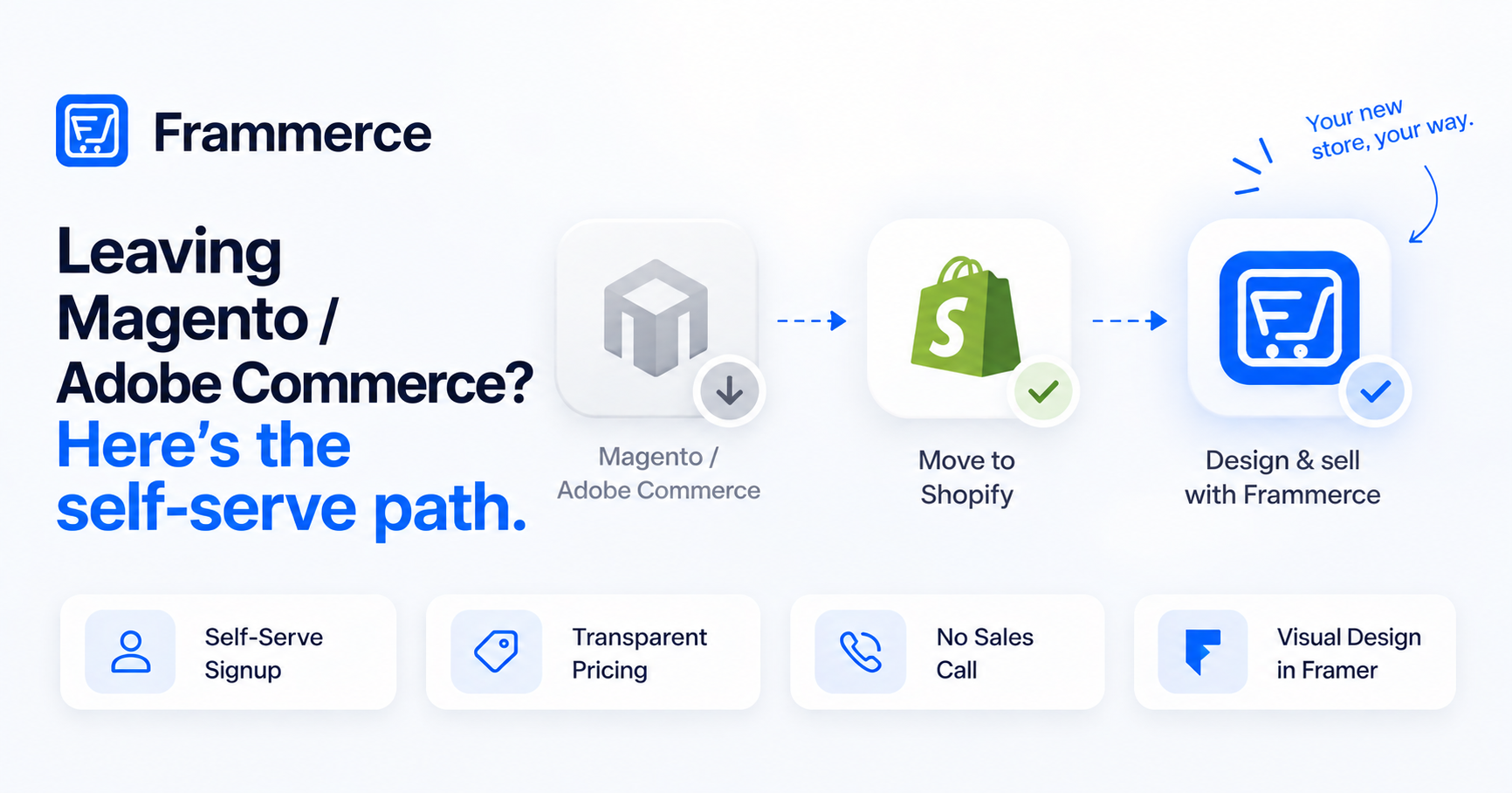
The alternative isn't a like-for-like Magento replacement. It's a different split of responsibilities: Shopify runs the commerce backend, and Framer runs the storefront design.
- 1Sign up for Shopify directly
No sales call. Pricing is published, and signup is self-serve. Shopify becomes your catalog, inventory, checkout, and payments backend.
- 2Connect the store with Frammerce
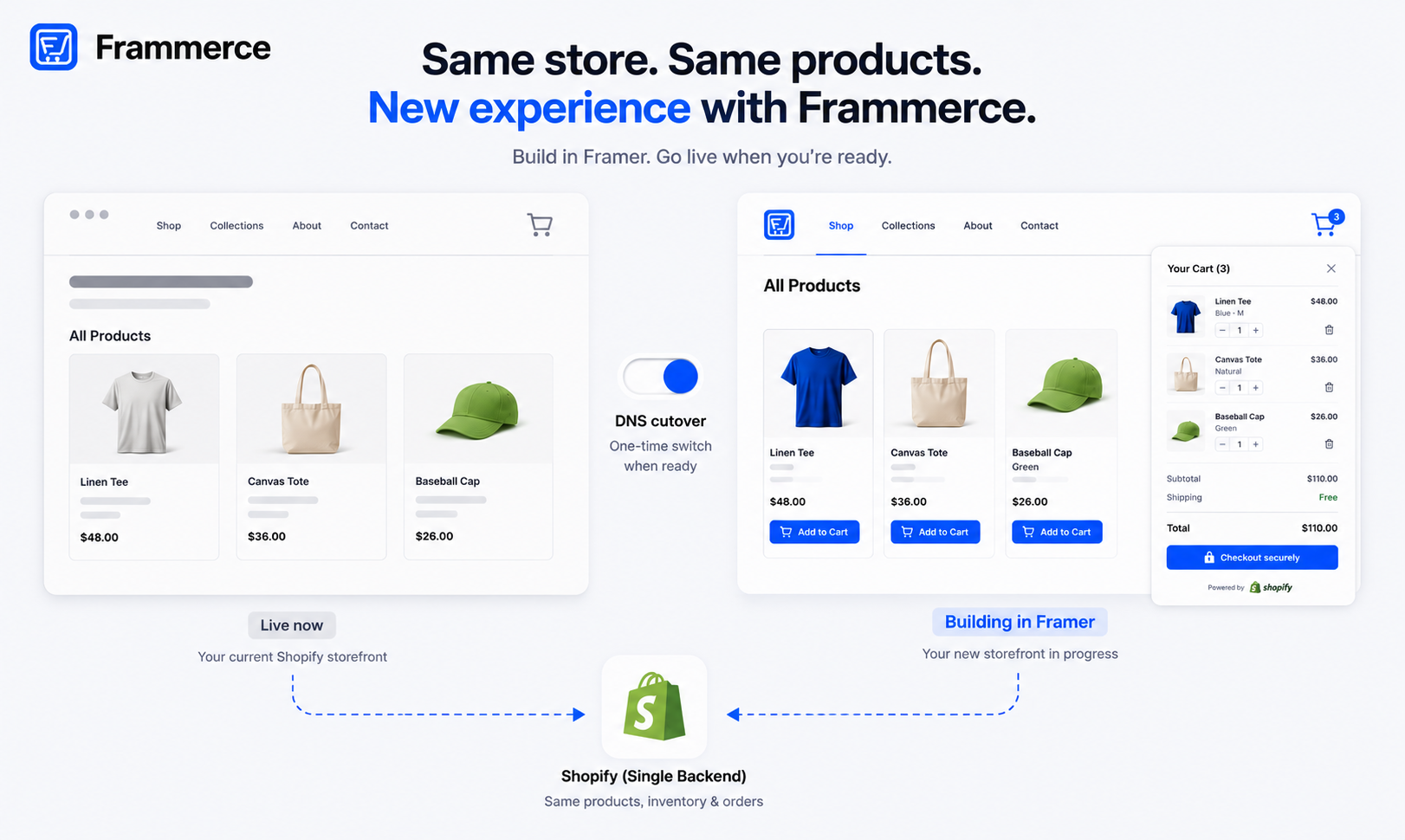
Install Frammerce in Framer and connect it to your Shopify store. The connection uses Shopify's Storefront API to read products, variants, and inventory into Framer — the same setup covered in the integration setup guide.
- 3Drop in commerce components
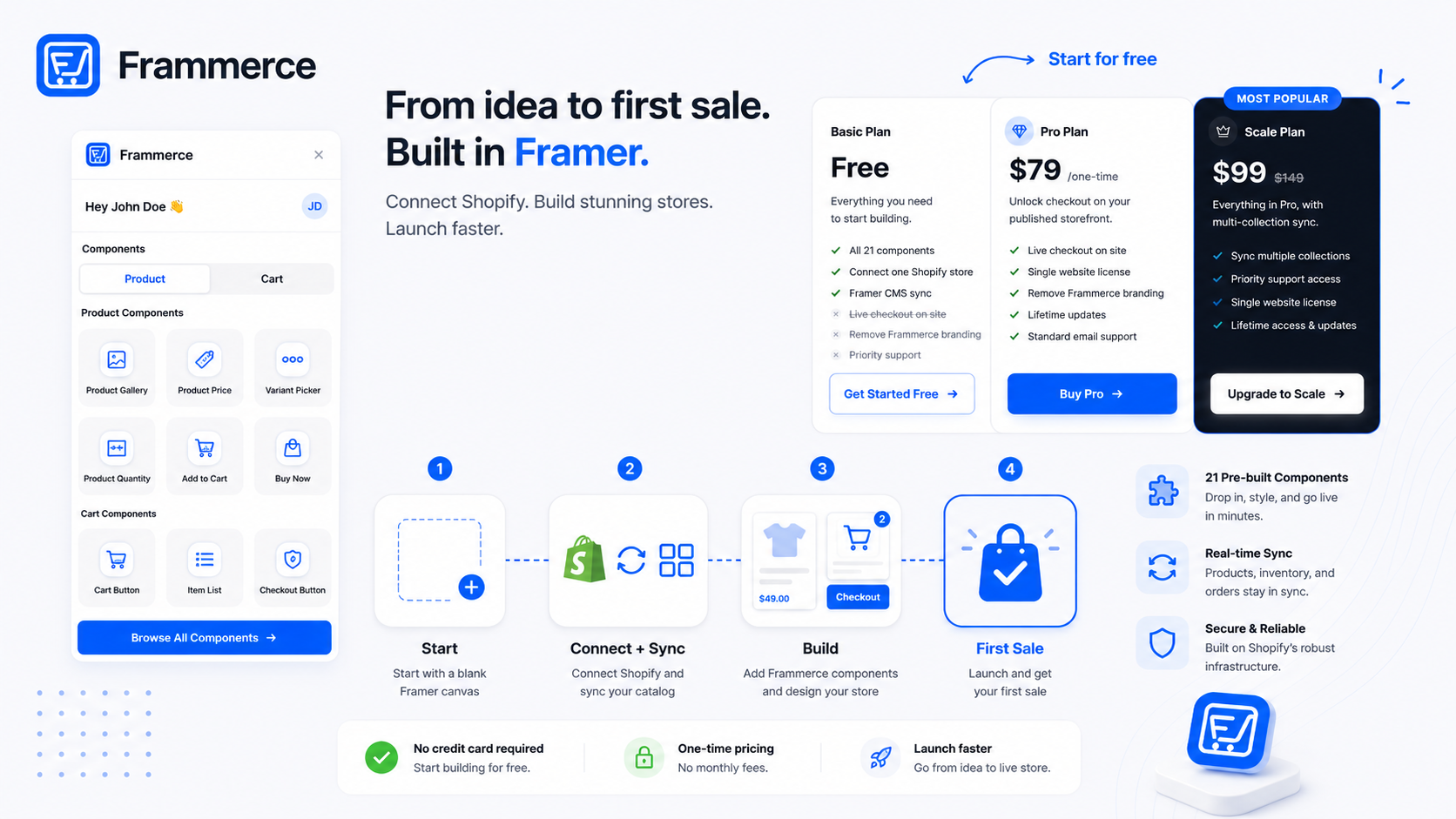
Frammerce ships 21 components — product gallery, variant picker, cart, checkout — placed directly on the Framer canvas. No Liquid templates, no separate backend to stand up.
- 4Design the storefront visually
Build layout and styling in Framer's editor the way you would any other Framer site, instead of editing theme files.
- 5Publish, with orders staying on Shopify
Cart and checkout hand off to Shopify's own infrastructure. If you're moving an existing store rather than starting fresh, this is a front-end swap, not a data migration — see the full migration guide for running the new build in parallel before cutting over.
If you're deciding between a plugin like Frammerce and building the Shopify connection yourself, the plugin vs. custom build comparison covers that trade-off directly. And if you don't have an existing store to move and you're starting from zero, starting a Framer store is the more direct path in.
Is Magento to Shopify actually a good move?
For merchants whose main complaints are cost opacity, hosting burden, or the lack of a visual design tool, yes. Shopify replaces the backend Magento was handling, with transparent pricing and no sales gate. Framer, through Frammerce, replaces the storefront design layer that neither Magento tier ever really had.
It's a bigger shift than a typical replatform, since you're not porting a Magento theme, you're rebuilding the storefront on a different stack entirely. The ecommerce website guide and the plugin comparison are useful next reads if you're scoping how much of that rebuild is component work versus custom design.
Is Frammerce a Magento extension or an Adobe Commerce alternative?
Neither, exactly, and it's worth being precise here. Frammerce does not connect to Magento or Adobe Commerce in any way — there's no import, sync, or migration tool between them. If you search for a "magento framer extension," what you'll actually find is Frammerce's Shopify integration, not a Magento one.
The alternative framing is at the platform level, not the product level: Shopify is the self-serve alternative to Adobe Commerce's sales-gated enterprise model, and Frammerce is the Framer design layer that sits on top of Shopify once you've made that move. For a broader look at how Framer and Shopify divide responsibilities generally, the Framer vs. Shopify FAQ covers it outside the Magento context specifically.
Is Magento Open Source still free in 2026?
Yes, the software itself is free to download and self-host. It requires separate hosting (roughly $4 to $500+ a month) and a development team for setup, security, and maintenance, so "free" applies to the license, not the total cost of running a store on it.
Does Frammerce support migrating a Magento store directly?
No. Frammerce connects only to Shopify, through Shopify's Storefront API. There's no direct Magento or Adobe Commerce integration. Moving from Magento means moving the backend to Shopify first, then connecting Frammerce to that Shopify store.
What does Frammerce cost compared to Adobe Commerce?
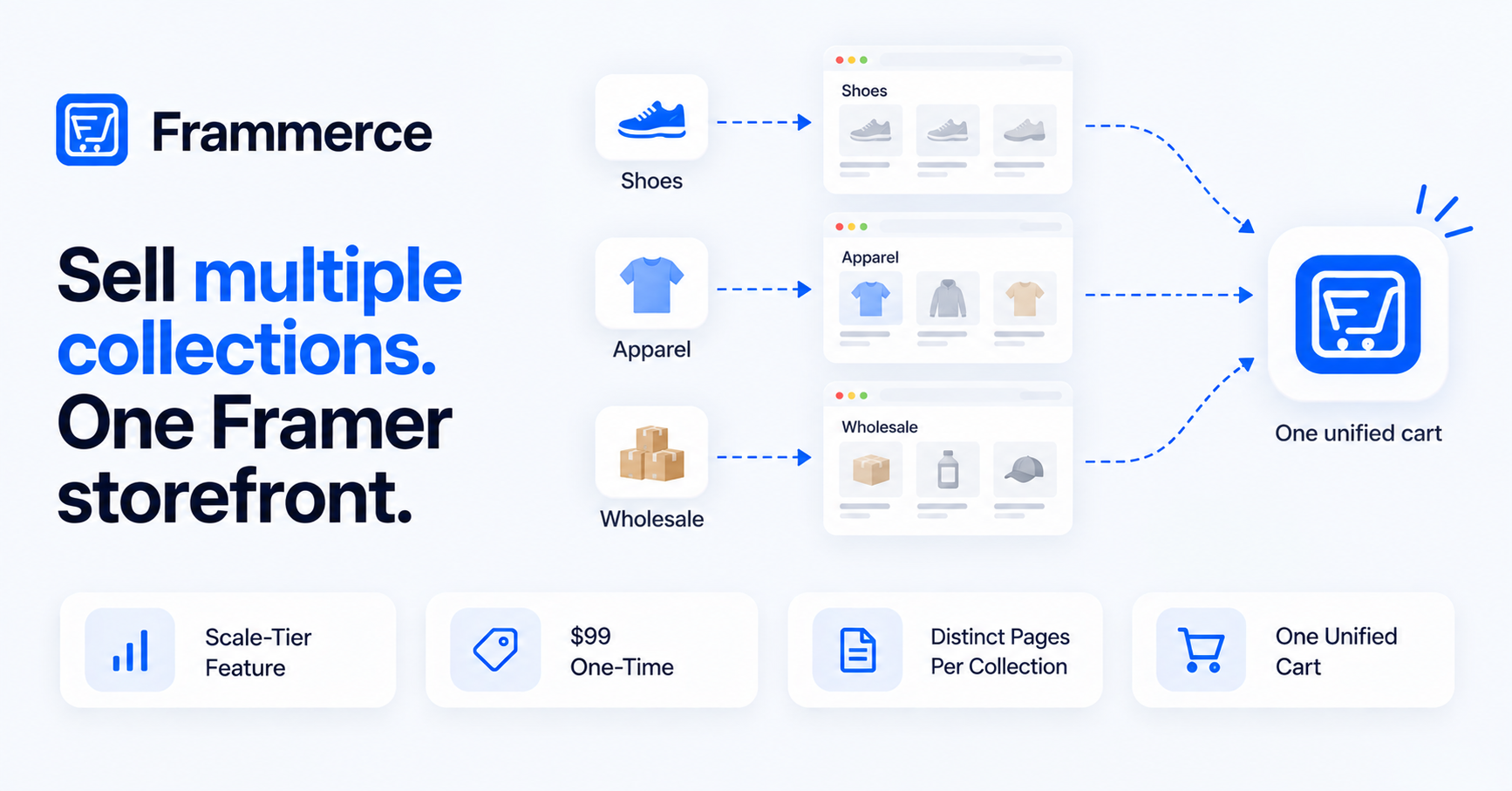
Frammerce's plans are published and self-serve: Basic is free, Pro is a one-time $79, and Scale is a one-time $99, both with lifetime updates. That's a flat cost structure, unlike Adobe Commerce's GMV-based, quote-only pricing. Full details are on the pricing page.
Bottom line
Shopify plus Frammerce fits SMB and mid-market merchants who want a fast, self-serve launch without a sales cycle or a platform-maintenance team. Sign up, connect, design, publish, with no quote request in the loop.
It doesn't fit everything Adobe Commerce is built for. Complex multi-entity B2B catalogs, deep ERP integrations, and heavily customized enterprise workflows are where Adobe Commerce specializes, and where Shopify's model has real limits. If that's your business, talking to Adobe's sales team is the more honest starting point than forcing a self-serve path that wasn't built for it.
Start on a free Frammerce project against a real Shopify catalog, check the pricing page when you're ready to enable checkout, or get in touch with questions about the Shopify connection — full details are also in the component docs.