

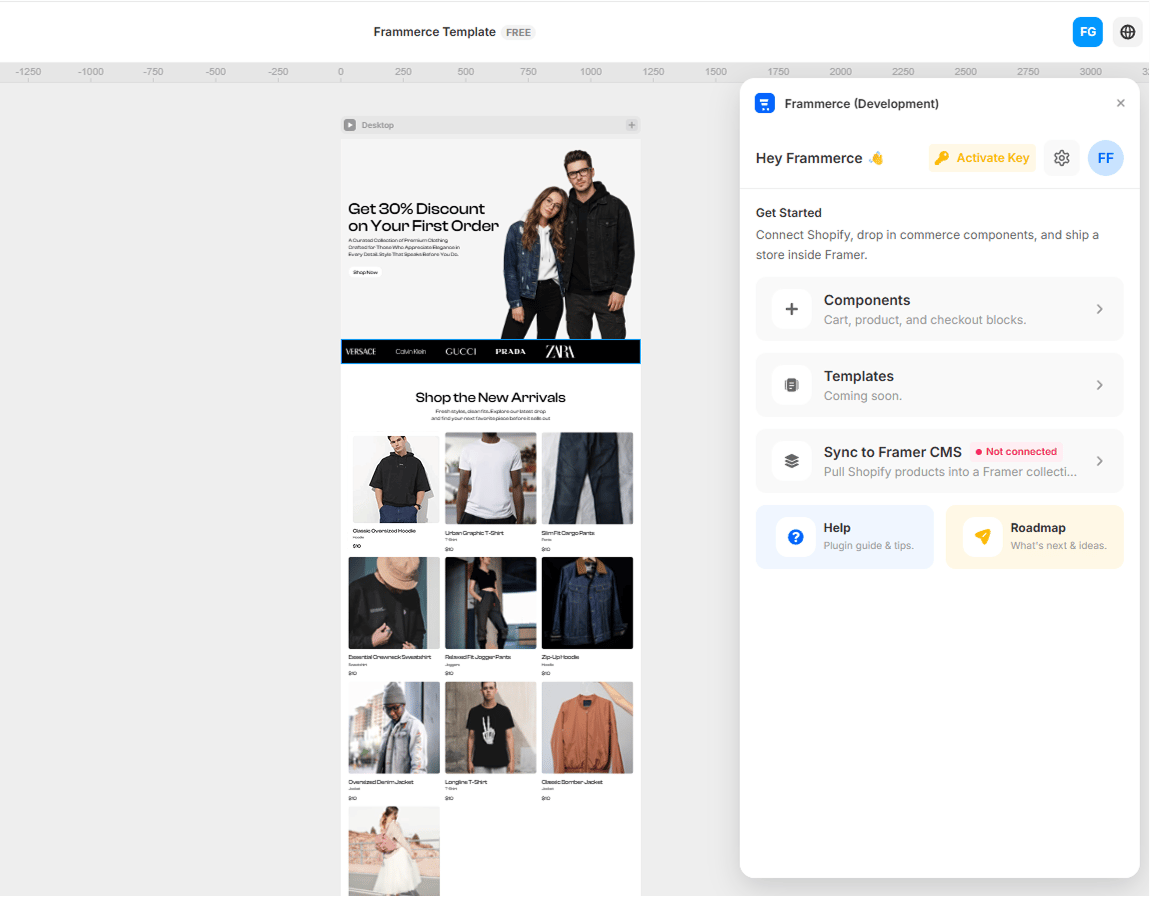
What Frammerce is
Frammerce is a Framer plugin that turns a Framer project into a Shopify-backed storefront. It does three things:- Connects your Shopify store to the Framer canvas via the Storefront API.
- Ships 21 commerce components (product gallery, cart drawer, checkout button, etc.) as draggable Framer code components.
- Syncs your catalog into a Framer managed collection so designers can use the CMS they already know.
What you’ll need
Before you start
- A Framer account with the Frammerce plugin installed
- A Shopify store (any plan, including dev stores)
- A Shopify Storefront API access token (we show you how to get one)
Where to go next
Quickstart
Connect a store, drag your first component, and ship.
Get a Storefront token
Generate the access token Frammerce needs to read your store.
Components reference
All 21 product and cart blocks the plugin ships.
CMS sync
Pull your Shopify catalog into a Framer managed collection.
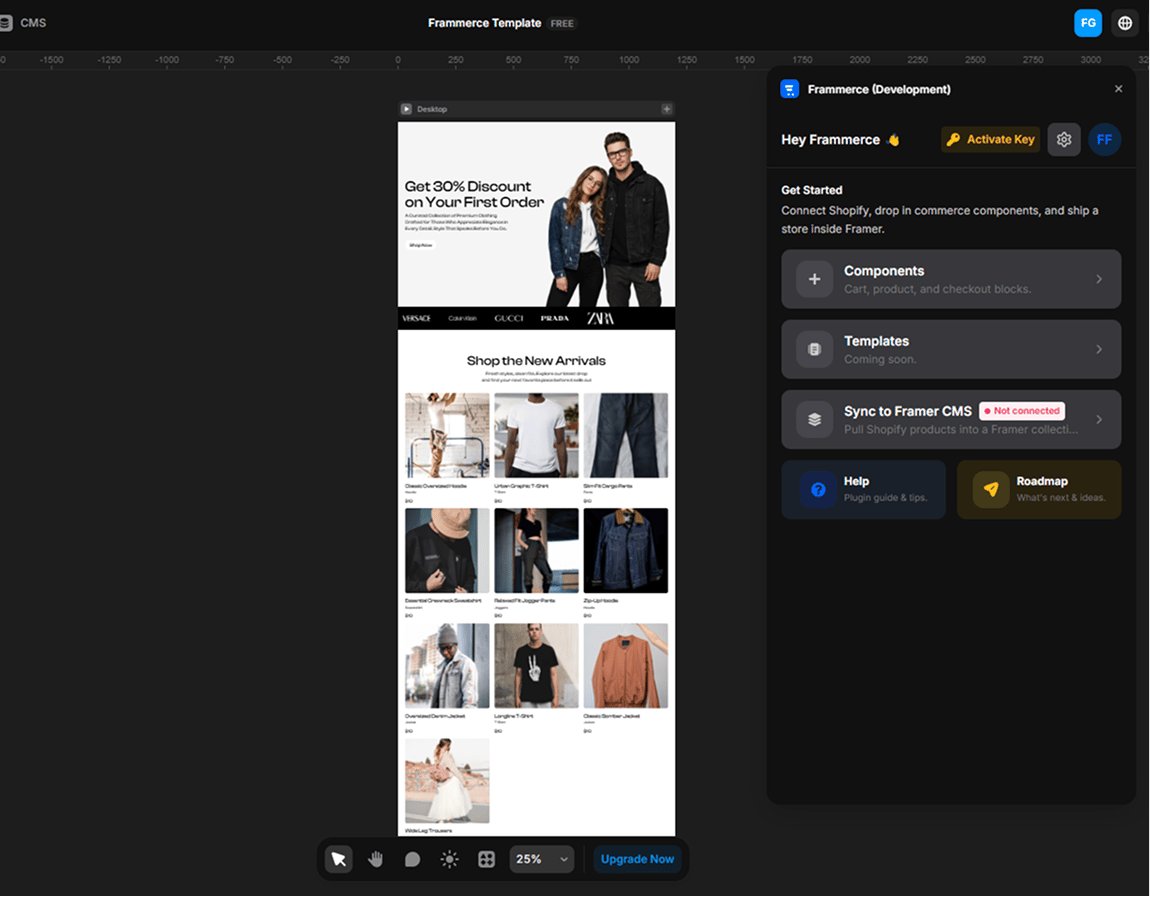
How the panel is organised
The plugin panel has four primary screens:
The Templates screen exists in the panel today as a “coming soon” placeholder - layouts will ship in a future release.