Key takeaways
- A Framer Shopify integration comes in two forms: a pre-built plugin that syncs your catalog into Framer's CMS, or a custom Storefront API build a developer writes by hand.
- Framer has no native cart, checkout, or inventory system. Every commerce path on Framer routes through an outside backend, almost always Shopify's Storefront API.
- People searching "framer commerce" are usually asking one of these two questions in different words, not looking for one specific named product.
- A plugin ships in days for a fraction of the cost. A custom build takes weeks to months and costs meaningfully more, but it unlocks logic a plugin's fixed feature set cannot.
- Checkout friction, not platform choice, is what usually kills conversion either way: cart abandonment averages 70% industry-wide, and the top causes are fixable regardless of which path you pick.
What does "framer commerce" actually mean?
People typing "framer commerce" into Google are usually asking one of two things: about a specific plugin they heard about by name, or the general question of how to run a Framer Shopify integration and sell products on a Framer site. This post covers the second one, as a decision framework: sync your Shopify catalog through a ready-made plugin, or build the connection yourself against Shopify's API.
Someone searching "framer online store" or "framer ecommerce" is usually asking the same question in different words: can I sell things on a site I built in Framer. The short answer is yes, but not with Framer alone.
Is "framer vs Shopify" even the right way to frame this?
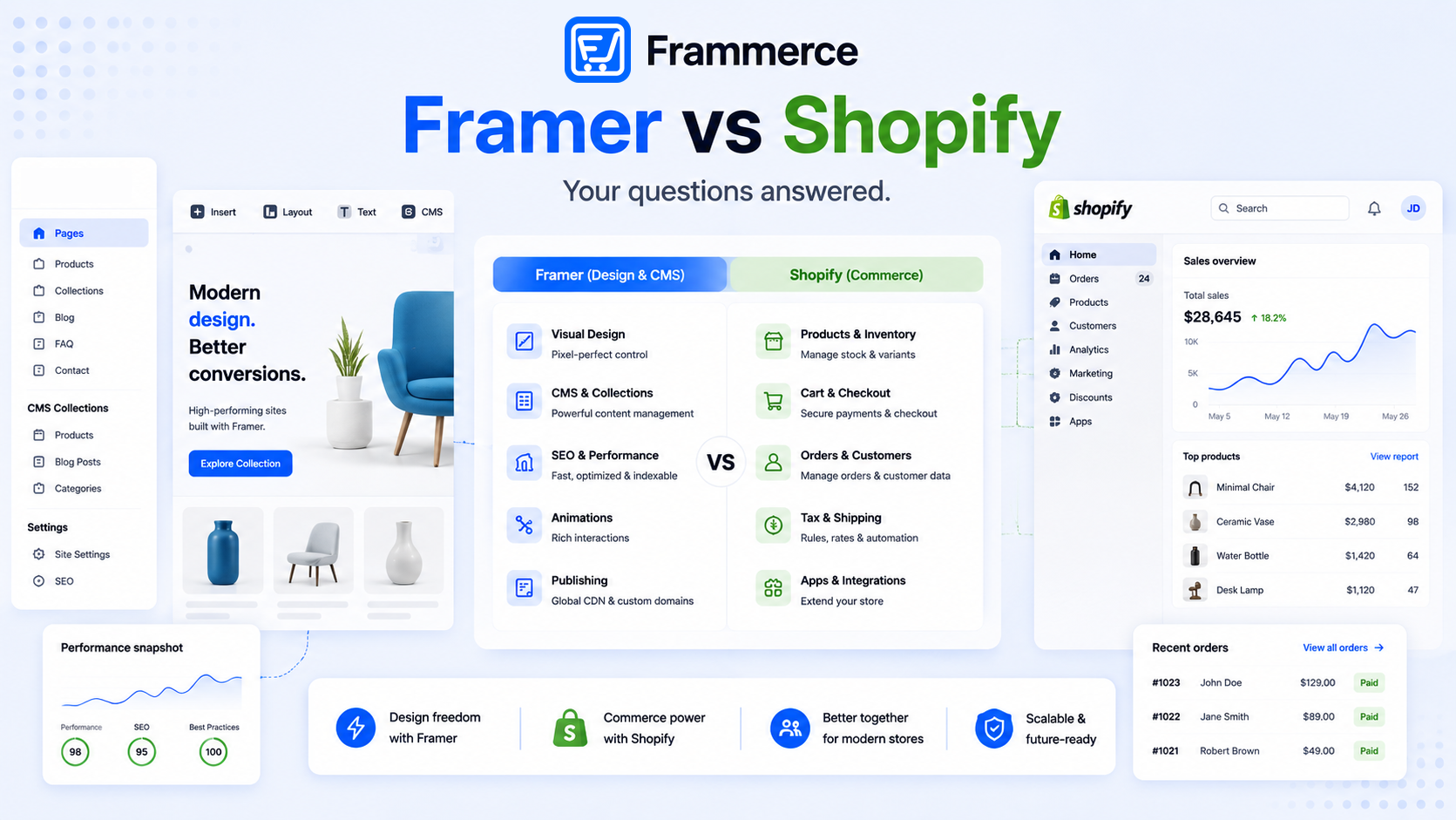
Not really. Framer and Shopify are not competing for the same job, so pitting them against each other is a false choice. Framer handles design and the canvas you build the storefront on. Shopify handles the parts a designer should not want to own: inventory, tax rules by region, payment processing, fraud checks. A Framer site with no Shopify (or similar) backend has no cart and no way to take an order beyond a manual payment link.
Can Framer sell products without Shopify?
Not with a real cart and inventory system, no. Framer ships a canvas, a CMS, and a publish pipeline, nothing that manages stock levels, calculates tax, or processes a card payment. A Framer CMS collection paired with simple payment links can work as a stopgap for a handful of digital products. Past a few SKUs, that setup breaks down fast: no cart, no shared checkout across products, no inventory sync.
That is the gap every serious Framer online store fills the same way: connect a real commerce backend and design the storefront in Framer on top of it.
Plugin vs custom build: how a Framer Shopify integration actually differs
Both paths use the same underlying pipe. Shopify exposes a Storefront API, a GraphQL endpoint built for exactly this: external frontends that need product, collection, and cart data without touching Shopify's own storefront layer. A Framer Shopify integration, whichever form it takes, is really just a client talking to that API.
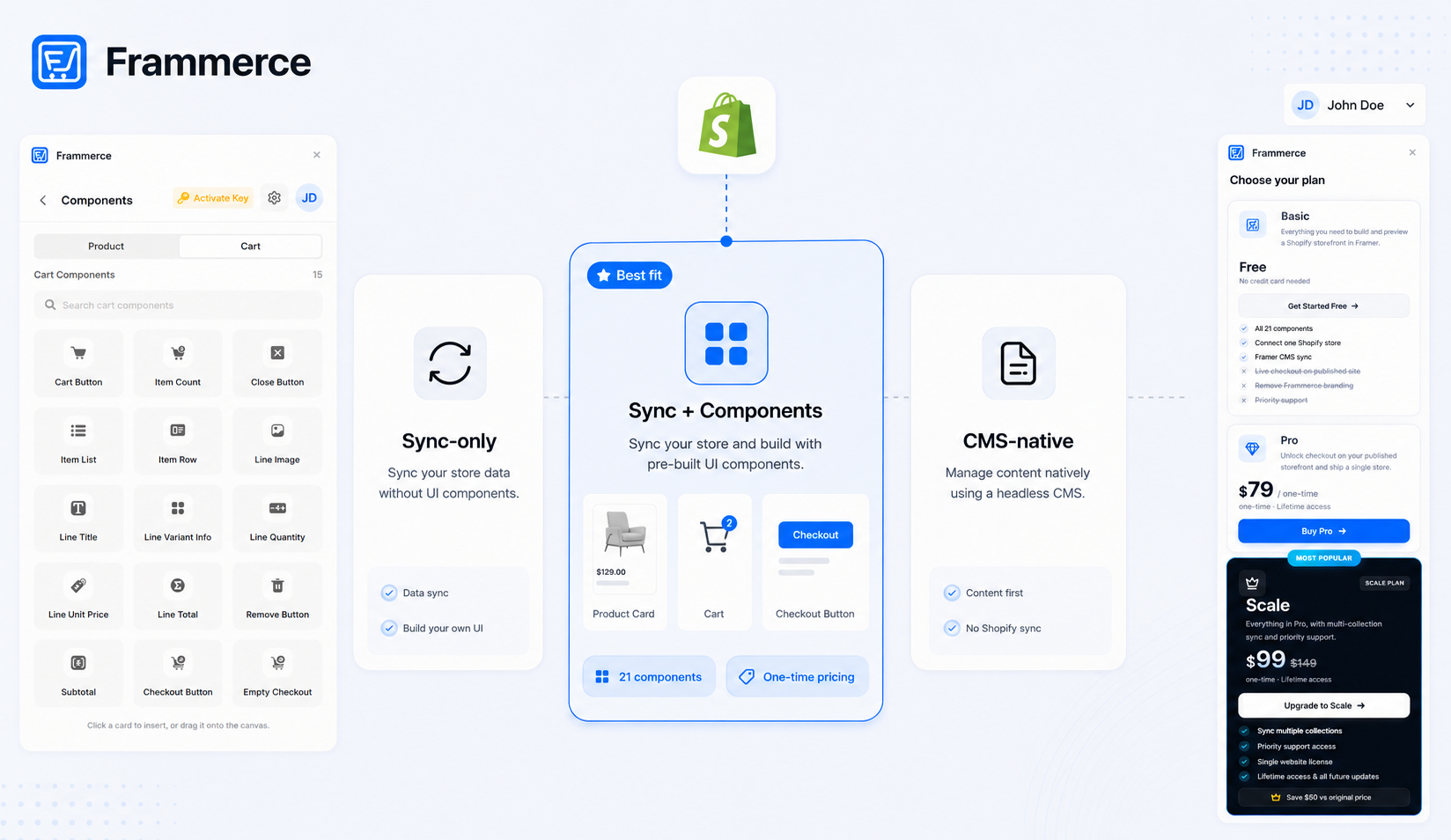
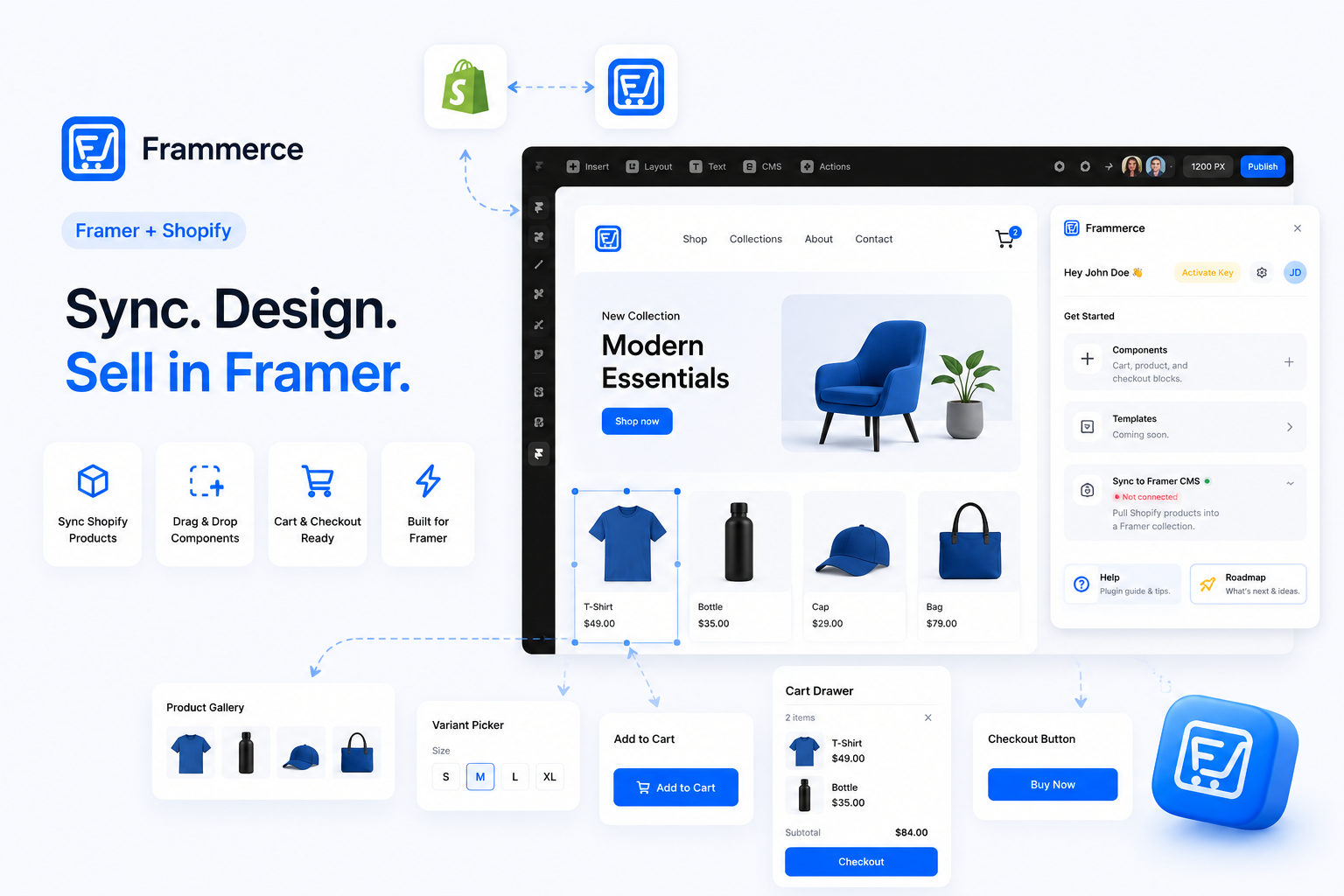
Where the two paths split is who writes the client code. Frammerce is the concrete example used for the plugin path below.
| Pre-built commerce plugin (e.g. Frammerce) | Custom Storefront API build | |
|---|---|---|
| Who builds it | Frammerce, or a similar Framer Marketplace plugin, syncs your catalog into Framer's CMS | A developer writes the GraphQL calls and cart logic by hand |
| Typical timeline | Days to about two weeks | Two to eight weeks for a scoped build, longer for anything non-standard |
| Typical cost | A one-time license fee in the low hundreds, sometimes a recurring plugin charge on top of your Shopify and Framer costs | Commonly $1,800 to $20,000 or more depending on scope, per independent cost breakdowns |
| Design control | Full control over layout using pre-built components | Full control over both layout and logic, since nothing is templated for you |
| Who maintains it | The plugin vendor keeps the sync current | You (or whoever you hired) own every future fix |
| Best fit | Standard product, variant, and cart logic | Non-standard commerce logic a plugin's fixed feature set cannot express |
The trade-off, laid out plainly by one independent comparison of the two paths, comes down to this: "The real decision is not whether Framer is good. It is whether it aligns with how your product, operations, and growth are structured." A plugin fits products, operations, and growth that look standard. A custom build fits the ones that do not.
When should you use a pre-built commerce plugin?
Use a plugin when your catalog and checkout logic are standard: physical or digital products, normal variants, one Shopify store, no exotic fulfillment rules. That covers most Framer designers, freelancers, small agencies building client stores, and solo Shopify merchants who want a storefront that does not look templated.
A plugin skips the two hardest parts of a hand-built Framer Shopify integration. First, CMS field mapping: Shopify's product schema (variants, options, metafields, inventory levels) has to line up with Framer CMS fields exactly, and a mismatch breaks the sync silently until a product goes live with the wrong price. Second, cart state across pages: a cart is not one component, it is state that has to persist as a shopper moves from a product page to a collection page to checkout, and Framer's canvas has no built-in mechanism for that. A sync plugin owns both problems so you never touch either directly.
When does a custom Shopify integration make more sense?
Reach for a custom build when your commerce logic is genuinely non-standard: multi-vendor marketplace rules, an ERP system a plugin was never built to talk to, or checkout logic no off-the-shelf component covers. One ecommerce limits breakdown puts it directly: Framer lacks "built-in advanced commerce tools like complex inventory management systems, global tax calculations, and native payment processing" for cases at that scale, and neither does a plugin sitting on top of it.
This path also assumes you have (or can hire) engineering resources. Writing and maintaining GraphQL calls against the Storefront API is a real software project, not a design task, and every future change to cart behavior or checkout flow is on you to build and support.
How much does each approach actually cost?
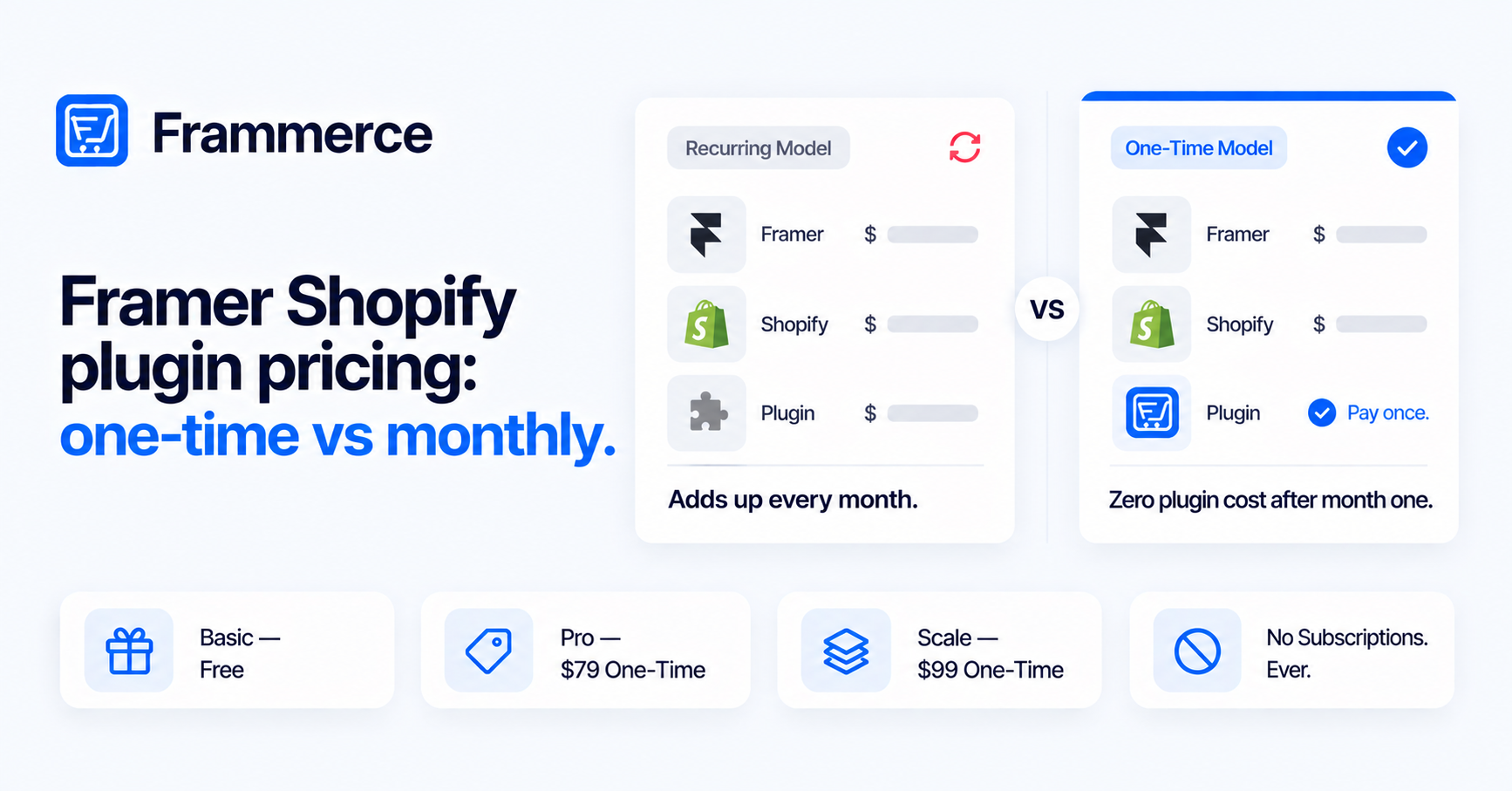
Pick by what you are actually doing, not by feature count. On the plugin side, pricing structures vary: some charge a recurring cost billed monthly, others charge once. Frammerce's pricing, for example, is one-time rather than a recurring charge stacked on your Shopify bill. Basic is free and includes all 21 components, one Shopify store connection, and CMS sync. Pro is a one-time $79 and adds live checkout, a website license, and lifetime updates. Scale is a one-time $99 (down from $149) and adds multi-collection sync for larger catalogs.
Combined with a Framer plan and a Shopify plan, the full plugin-path cost typically lands in the tens to low hundreds of dollars a month, mostly driven by the Framer and Shopify plans themselves. A custom Storefront API build sits in a different bracket: commonly $1,800 to $20,000 or more up front per independent estimates, plus ongoing engineering time.
How long does each approach take to ship?
A plugin-based Framer Shopify integration typically ships in days to about two weeks: connect the store, let the catalog sync into the CMS, drop in product and cart components, publish. A custom build runs two to eight weeks for a well-scoped project, and considerably longer for anything with non-standard requirements, based on the timelines reported in one cost breakdown and echoed by a separate independent comparison of the two approaches.
If your catalog is small and your site already exists in Framer, a plugin sync is closer to adding a new page than starting a project. An agency site or personal brand that wants to add three or four products does not need a ground-up rebuild on a different platform to do it.
Where do these sites actually lose sales?
Not usually from the platform choice. Checkout friction is the real culprit. Across 50 studies compiled by the Baymard Institute, the average documented cart abandonment rate sits at 70.22%. Strip out shoppers who were just browsing and the reasons split cleanly: extra costs revealed too late (shipping, tax, fees) account for around 40%, slow delivery estimates for roughly a fifth, payment security concerns for close to a fifth, forced account creation for about 18%, and a slow or complex checkout for a similar share.
Every one of those is a design and configuration problem, not a limitation of either approach covered here, and most map to a specific fix.
- Show shipping and estimated tax before the final step, not as a surprise on the last screen.
- Offer guest checkout by default. Forcing an account creates friction exactly where you want the least of it.
- Keep the cart visible with a running total, so the final number is never a surprise.
- Build the checkout flow to load fast on mobile first.
Speed carries more weight than most storefronts treat it. Shopify's own research on headless commerce notes that 40% of consumers will wait no more than three seconds before abandoning a site, one of the practical arguments for a headless setup like Framer plus Shopify over a heavier, template-driven storefront: fewer layers between a click and a rendered page.
Can you start with a plugin and move to a custom build later?
Yes. Shopify stays the system of record for your catalog either way, so switching sync methods later does not mean rebuilding your product data. What changes is the sync and component layer on top of it: CMS field mappings and cart components need redoing if you move from a plugin to a hand-built integration. Starting with the faster, cheaper path and upgrading only if you hit its limits is a reasonable default.
Does Framer have its own built-in commerce feature?
No. Framer's canvas has no native cart, checkout, or inventory system. Every commerce setup on Framer, plugin-based or custom, connects out to a backend like Shopify to handle those parts.
Do I need a developer to add Shopify to a Framer site?
Not for the plugin path. A sync plugin is designed for someone who works in Framer's canvas, not a codebase. A custom Storefront API build does require a developer, since you are writing the GraphQL calls and cart logic yourself.
Does the plugin approach limit me to Shopify's own checkout?
Yes, on both paths. Final checkout happens on Shopify's hosted checkout, where payment, tax, and fraud protection run. Rebuilding a PCI-compliant checkout from scratch is a significant undertaking almost no team should take on just to change how a page looks.
Can I switch commerce plugins later without losing my catalog?
Generally yes. Your products, variants, and inventory live in Shopify regardless of which plugin or integration reads them, so the underlying data survives a switch. What you lose is the existing CMS mapping and any components tied to the old sync, which need setting up again on the new one.
Bottom line: picking your Framer Shopify integration path
There is no universal right answer, only the right fit for your catalog. Standard products, standard variants, one Shopify store: a plugin ships faster and costs a fraction of a custom build. Non-standard fulfillment, multi-vendor logic, or a system a plugin was never built to talk to: budget for a custom Storefront API integration and the engineering time it needs.
Whichever path you choose, checkout friction decides more of your conversion rate than the platform underneath it. Get shipping costs shown early, guest checkout available, and page load fast, and the architecture stops mattering to your customers. They just see a store that works.
If you want to connect a Shopify catalog to a Framer canvas without writing Storefront API calls by hand, Frammerce is built for exactly that path, or get in touch if you want to talk through a catalog that might need the custom route instead.