

What it does
The runtime:- Holds cart state in a single in-memory store shared across all Frammerce components on a page
- Persists state in
localStorageso the cart survives page reloads and visits - Talks to Shopify’s Storefront API for cart operations (add line, update quantity, remove line, fetch totals)
- Hands off to checkout when the buyer taps the Checkout button - opens Shopify’s hosted checkout in the same tab
How it’s installed
The runtime is injected into your project’sheadStart via Framer’s setCustomCode API. The script tag carries a JSON config:
- The first time you insert a Frammerce component
- Whenever the credentials or plan change
- On every project open (re-validates the installed config)
You never edit this script by hand. If you need to remove the runtime entirely, Disconnect Store from the Settings page.
How components use it
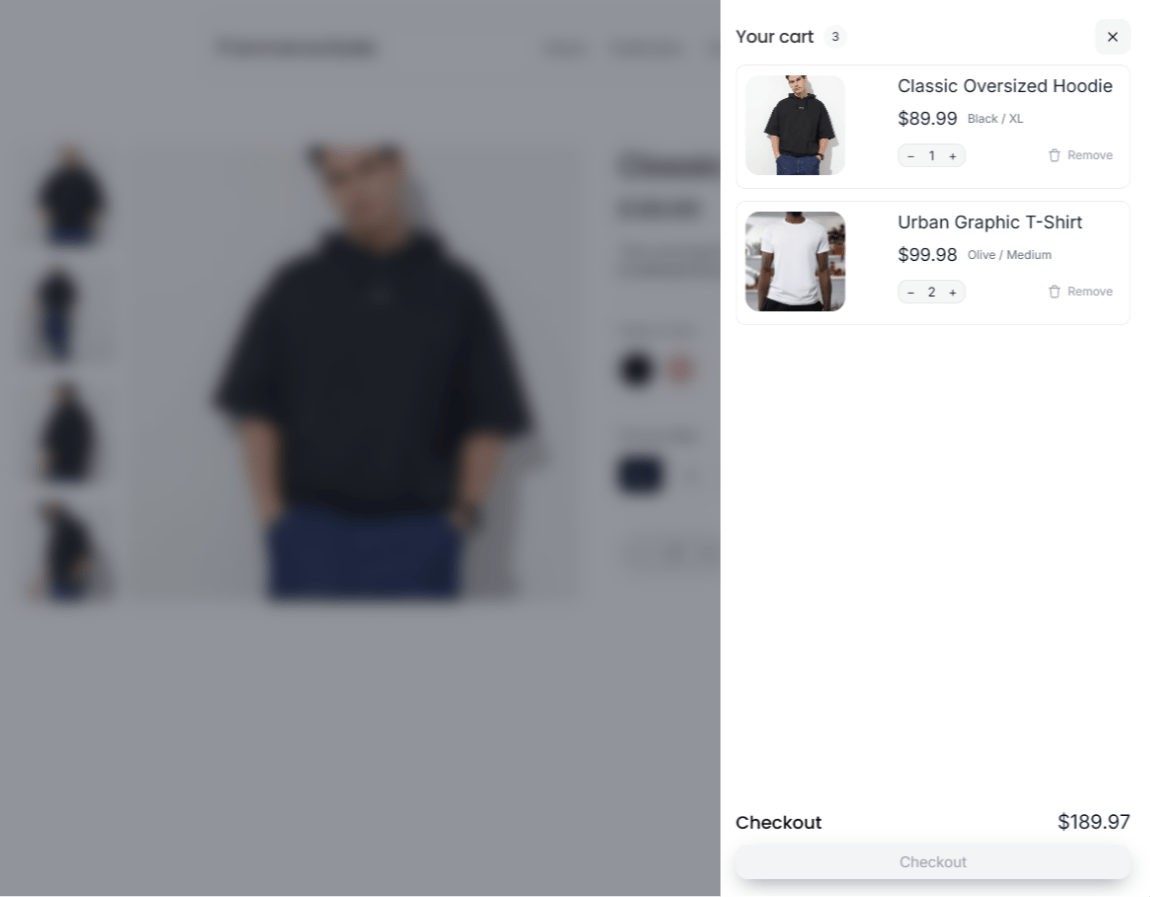
Every Frammerce cart component subscribes to the shared store. That means:- Adding an item from the product page updates the cart badge in the navbar immediately
- The cart drawer reflects the latest line items across every page
- Subtotals and item counts stay consistent
API version
Frammerce pins to Shopify Storefront API version2024-10 by default. The plugin manages version bumps in lockstep with component updates, so you don’t have to.
What ships with your published site
When you publish your Framer project, the cart runtime ships in the HTML automatically. Your published site:- Loads the config script on every page
- Initialises the cart store from
localStorage - Wires up any Frammerce components on the page
Checkout gating
The runtime knows which plan is active on this project and uses that to gate the moment of order.- Basic (free) - cart works fully. Add to cart, update quantities, view subtotal, open the cart drawer. Tapping Checkout or Buy Now on the published site shows an “Upgrade to take orders” prompt instead of creating a real Shopify checkout.
- Pro / Scale - checkout and Buy Now create a real Shopify checkout URL and redirect the buyer.
”Powered by Frammerce” badge
On the Basic plan, every published page renders a small “Powered by Frammerce” badge in the body. This funds the free tier. Upgrade to Pro or Scale to drop the badge. The plugin automatically removes the script on the next project open after the upgrade.See the plan tiers
What changes between Free, Pro, and Scale.