Key takeaways
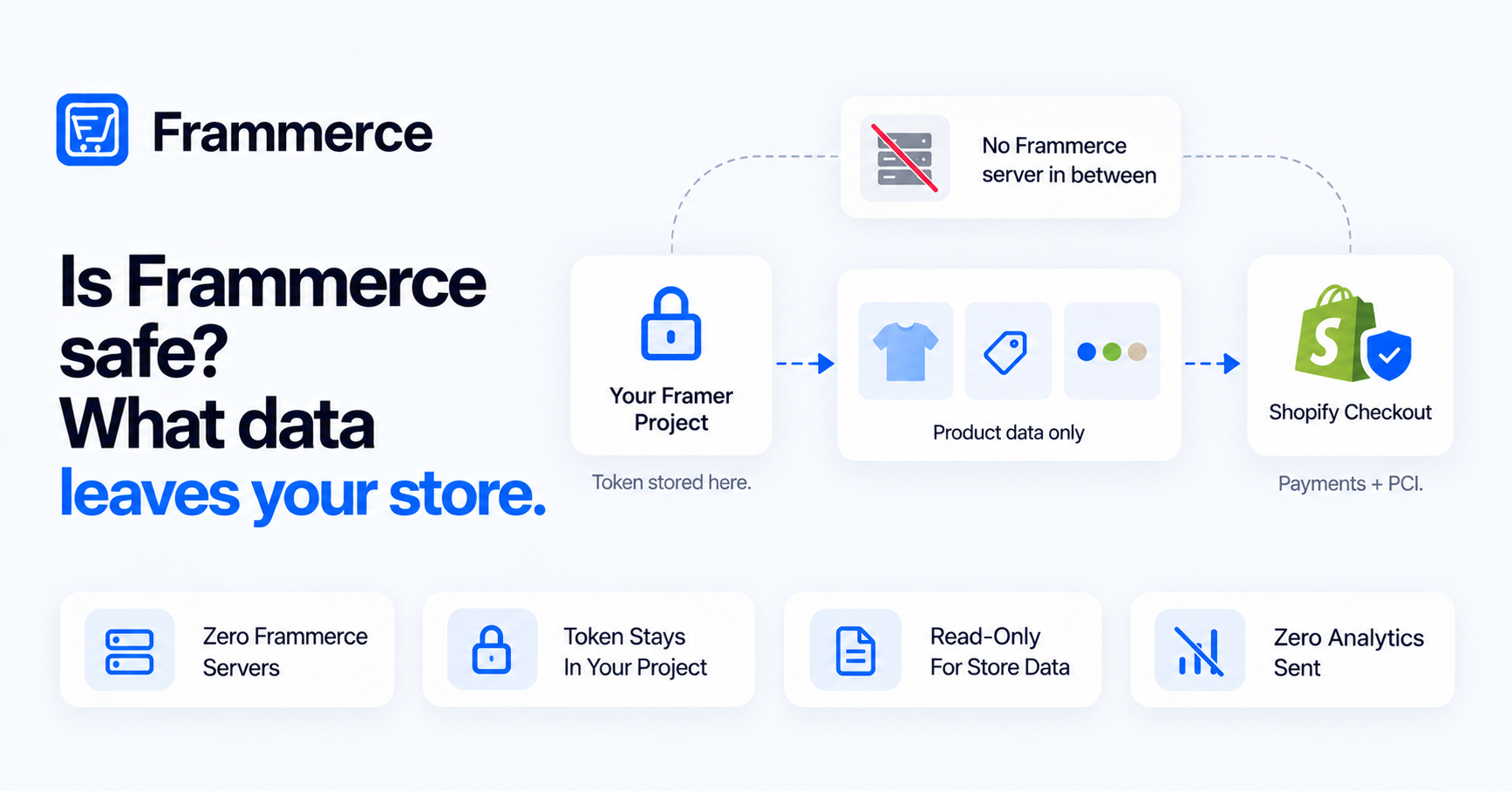
- No Shopify backend data goes to Frammerce. Only product and catalog data flows to the visitor's browser through Shopify's Storefront API.
- Your Storefront token lives in the Framer project's pluginData, not on a Frammerce server.
- The token is read-only for products and store data, but it can create and modify carts and checkouts — it isn't a blanket "can't touch your store" guarantee.
- A public Storefront token is meant to be visible in client-side code. That's a documented Shopify design choice, not a Frammerce workaround.
- Disconnecting clears credentials, the cart runtime config, and the badge. It doesn't delete synced CMS items or touch your Shopify store.
- Checkout and payments happen entirely on Shopify's hosted checkout. PCI compliance and fraud checks are Shopify's job, not Frammerce's.
What data actually leaves your store?
None of your Shopify backend data goes to Frammerce. Frammerce doesn't run a backend that your store reports to. Per the docs introduction, the published Framer site talks to Shopify's Storefront API directly, at runtime, from the visitor's browser.
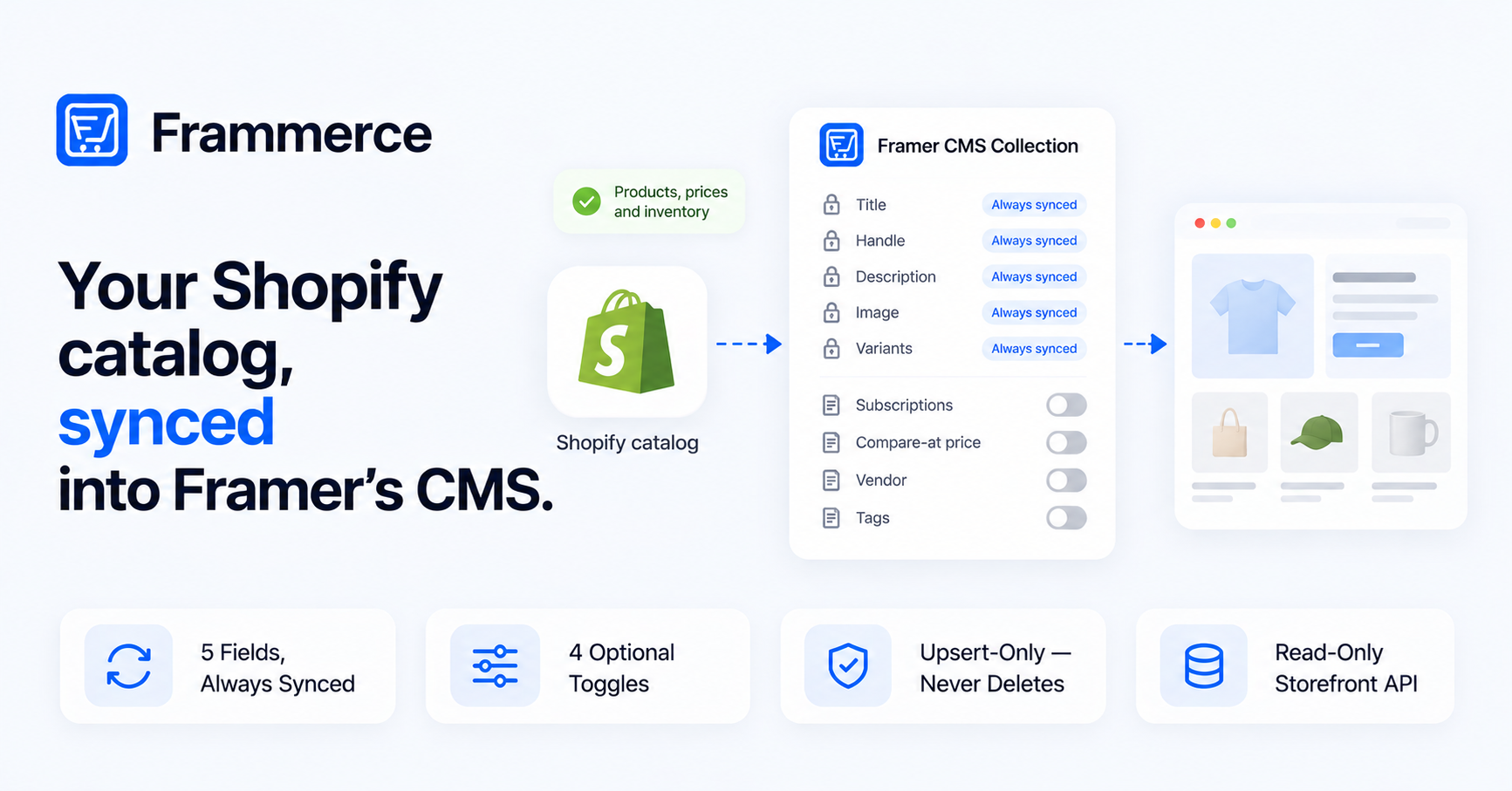
What moves is product and catalog data: titles, images, prices, variants, availability, and (if you turn the field on) subscription plans. That data flows two ways depending on the page. CMS-synced pages pull it in ahead of time and cache it on Framer's CDN. Pages using live components fetch it from Shopify's Storefront API on the visitor's request. Either way, the destination is the visitor's browser, not a Frammerce server. Frammerce has no server sitting between your store and your site's visitors.
Order history, customer accounts, and admin-level store data never enter this path at all. Per the FAQ, your Shopify customer data never leaves Shopify — sync moves catalog data into the CMS, not customer records.
Where is your Shopify token stored?
Your Storefront API access token is stored in the Framer project's pluginData, per the Settings docs and the FAQ. It travels with the Framer project itself, not with Frammerce. There's no Frammerce database holding a copy — the credential lives inside Framer's own project storage, the same mechanism any Framer plugin uses to persist data for its own components.
Practically, that means anyone who has edit access to your Framer project (a teammate, an agency, anyone you share the project with) can also see this credential, because it's part of the project file. It also means disconnecting your Shopify store, or removing the Frammerce plugin, is a project-level action — see the disconnect section below for what that clears.
What can that token actually do?
This is the part worth reading closely, because Frammerce's own FAQ oversimplifies it. The FAQ describes the token as "scoped to read-only public data, so even if leaked they can't modify your store." That's true for products and store settings, but not the whole picture.
The get-shopify-token docs list eight required Storefront API scopes:
| Scope | What it grants |
|---|---|
| unauthenticated_read_product_listings | Read product and listing data |
| unauthenticated_read_product_inventory | Read inventory/availability |
| unauthenticated_read_product_tags | Read product tags |
| unauthenticated_read_collection_listings | Read collections |
| unauthenticated_read_selling_plans | Read subscription/selling plans |
| unauthenticated_read_checkouts | Read cart/checkout state |
| unauthenticated_write_checkouts | Create and modify carts/checkouts |
| unauthenticated_read_customers | Read customer objects in an unauthenticated context |
Shopify's own access scopes documentation confirms what the write scope does: unauthenticated_write_checkouts grants write permission on the Cart object through the Storefront API. That's cart creation, line-item changes, and checkout state — not product edits, not order data, not store settings.
So the accurate wording is this: the token is read-only for products, collections, and store data. It cannot modify a product, cancel an order, or change a setting. But it can write — meaning create or modify carts and checkouts. A leaked token couldn't deface your catalog or drain your inventory settings, but it could, in theory, be used to add items to a cart or manipulate checkout state. "Can't modify your store" is close, but not the precise claim to make about this token.
Why is a public token safe to expose in a published site?
Here's the part that looks like a contradiction if you don't check both sides. Framer's own developer docs on storing data warn: "Don't use this API to store sensitive data such as secret keys or access tokens." Frammerce stores the Storefront token in pluginData anyway, and that token ends up shipped inside the published site's HTML, per the publishing docs and cart runtime docs, which describe a config script carrying the store domain, access token, and API version into the page head.
That's not an oversight. Shopify's own Storefront API docs draw a specific line between two token types. Shopify's own docs describe a public access token as "used to query the API from a browser or mobile app, where the token is visible to buyers" — designed to sit in browser-visible code. A private access token is different: it "should be treated as secret and not used on the client-side," because it carries elevated, authenticated scopes.
Framer's warning is a general rule aimed at the second category — API keys, admin credentials, anything that grants broad authenticated access if it leaks. A Shopify public Storefront token isn't that. It's scoped down to public catalog reads plus cart/checkout writes, by design, specifically so it can live in front-end code without being treated as a secret. That's why the get-shopify-token docs are explicit that you should use the public token and never a private one: a private token carries the elevated scopes Framer's warning is actually about, and "shouldn't sit in a published Framer site."
In short: Framer's warning and Frammerce's design aren't in conflict. Frammerce is relying on a Shopify-documented exception, the public Storefront token, rather than ignoring the general rule.
What happens when you disconnect?
Disconnecting your store clears three things from the Framer project, per the Settings docs:
- Your credentials, removed from pluginData.
- The cart runtime config script, removed from headStart.
- The "Powered by Frammerce" badge, if it was present.
It does not delete CMS items you've already synced. Products that made it into your Framer CMS collection stay there after you disconnect — sync populated them, and disconnecting doesn't reach back to remove them. It also doesn't touch your Shopify store in any way. Disconnect is scoped entirely to the Framer project side of the integration; your store, its data, and its settings are unaffected.
Where does checkout and payment happen?
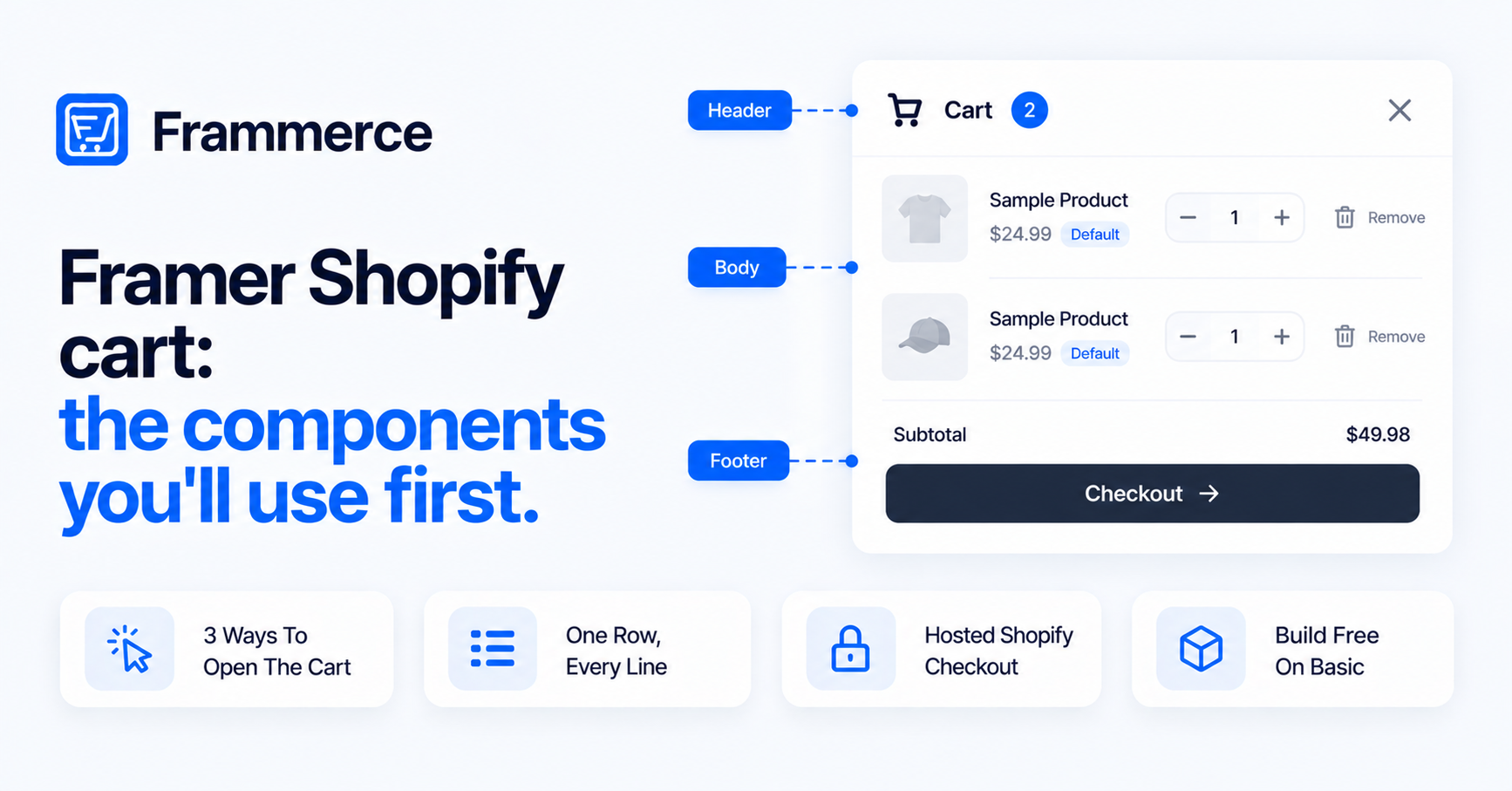
Checkout happens on Shopify's hosted checkout, not inside your Framer site. Per the cart runtime docs, tapping the Checkout button hands off to Shopify's hosted checkout in the same tab. Frammerce builds the cart and hands off the session; it doesn't run its own checkout flow.
That handoff matters for what it means downstream. Payment data goes straight into Shopify's checkout, never through Frammerce. Per the FAQ, PCI compliance and fraud checks stay with Shopify, because Shopify's checkout, not Frammerce, is handling the transaction. There's no payment processing step inside the plugin or the published site for this to pass through.
Does Frammerce send any analytics or tracking?
No. Per the FAQ, the plugin doesn't send any analytics back to Frammerce. Nothing about how your site is used, what products are viewed, or how carts behave gets reported to Frammerce's side. The only outbound traffic from the runtime goes to Shopify's Storefront API, for the product and cart operations described above.
Bottom line
Frammerce doesn't run a backend, so there's no server in the middle collecting your store's data. Your Storefront token lives in the Framer project's pluginData, scoped to read catalog data and write cart/checkout state, not to modify products, orders, or settings. That token is designed by Shopify to be public-facing, which is why it's safe to ship in a published site's HTML even though Framer's general storage warning is aimed at a different category of credential. Disconnecting clears the integration from the project without touching your Shopify store or your synced CMS content, and checkout itself never leaves Shopify's hosted flow.
For the setup side of this connection, see the integration setup guide. For how catalog data specifically moves into your CMS, see how Frammerce syncs your Shopify catalog. Compare what's included at each tier on the pricing page, read the full docs, or contact us with store-specific questions.