Key takeaways
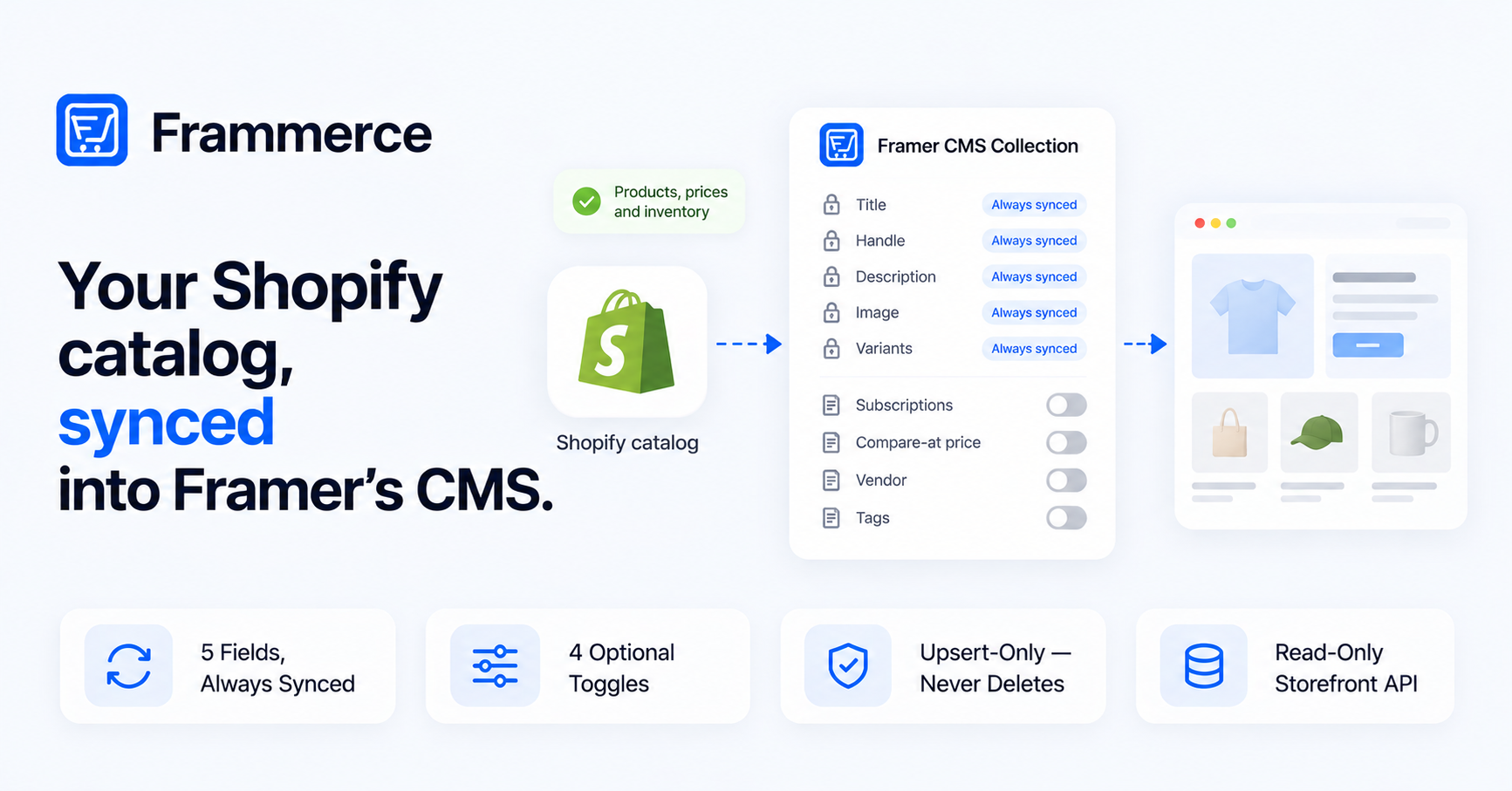
- CMS sync pulls your Shopify catalog into a Framer-managed collection using Shopify's Storefront API.
- Five fields sync automatically: title, handle, HTML description, featured image, and variants with prices and availability.
- Four fields are optional and off by default — subscriptions, compare-at price, vendor, tags — turned on in Sync Settings through a draft-then-apply flow.
- Sync is upsert-only: it updates existing CMS items and inserts new ones, but it never deletes CMS items when the matching Shopify product is removed.
- Only products published to Shopify's Online Store sales channel sync — drafts and unlisted products are skipped.
What actually syncs by default
Every sync writes five fields into your Framer CMS collection, with no configuration needed.
Product title and handle sync as-is from Shopify, keeping CMS slugs aligned with storefront URLs. Description syncs as HTML, so rich-text formatting already set up in Shopify carries over instead of flattening to plain text.
The featured image syncs as the product's primary image. Variants sync with their prices and availability, which is what drives accurate pricing and "in stock" states on synced product pages.
These five fields are fixed — they sync on every project, every sync.
The 4 optional fields you can turn on
Everything else is opt-in, controlled from Sync Settings. All four are off by default:
- Include subscriptions — pulls Shopify Subscriptions selling plans, so cart components can render subscription pricing correctly.
- Include compare-at price — pulls the original MSRP alongside the active price, for a struck-through "on sale" display.
- Include vendor — maps the Shopify vendor field into a CMS column, useful for multi-brand or marketplace storefronts filtering by brand.
- Include tags — maps Shopify tags into a CMS column for CMS-side filtering.
Sync Settings doesn't auto-save. Flipping a toggle puts it into a draft state; nothing changes until you apply it. Applying a draft doesn't rewrite items already in the CMS either — it only changes what the *next* sync pulls in. Turn on "Include vendor," apply it, and existing synced products still won't show a vendor field until you run another sync.
How re-syncing works, and the one gotcha to know
A sync follows the same sequence every time:
- 1Read the current catalog
Frammerce pulls from Shopify's Storefront API, using whatever fields are enabled in Sync Settings.
- 2Check for a matching CMS item
Each product is checked against existing CMS items by Framer ID.
- 3Update on a match
If a matching CMS item exists, it updates in place.
- 4Insert on no match
If no match exists, a new CMS item is inserted.
- 5Leave removed products as-is
Products removed from Shopify are left untouched in the CMS — sync doesn't delete anything.
That last step is the gotcha: sync is upsert-only. It inserts and updates, but it never deletes. Discontinue a product in Shopify and it stays in your Framer CMS until someone removes it manually.
The other requirement to know before syncing: only products published to Shopify's Online Store sales channel come through. The Storefront API doesn't expose drafts or unlisted products, so a product missing after sync is usually a sales-channel setting, not a bug. This is the same connection mechanics covered in the integration setup guide if you're still wiring up the store connection itself.
CMS-synced vs. live API
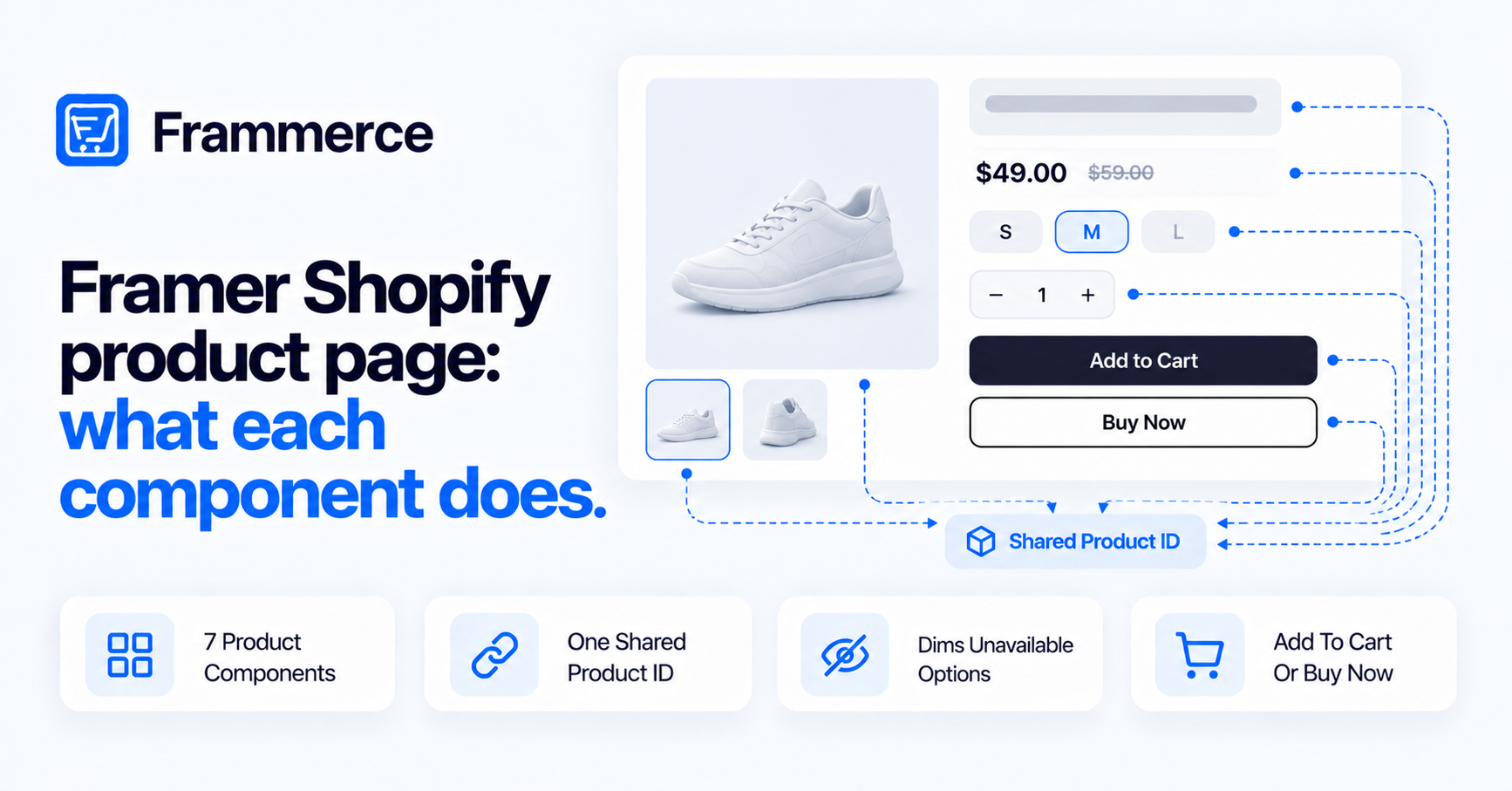
Frammerce components can source product data two ways, and knowing which one is active on a given page matters for load behavior.
A component placed with CMS context — bound to a synced CMS collection item — reads the data already written during the last sync. No live Shopify call happens at that point; the data was pulled in ahead of time. Static product pages built this way are cached by Framer's CDN, so there's no Shopify hit per visitor.
A component with no CMS context falls back to live Storefront API data instead. That's the standalone-component case: a product block dropped on a page outside a CMS collection binding. It works, but each render depends on a live round trip to Shopify rather than already-synced, CDN-cached data.
For catalog-scale layouts — collection pages, product grids — CMS-synced is the mode to design around, both for consistency with your CMS content and for keeping Shopify's API out of the request path entirely.
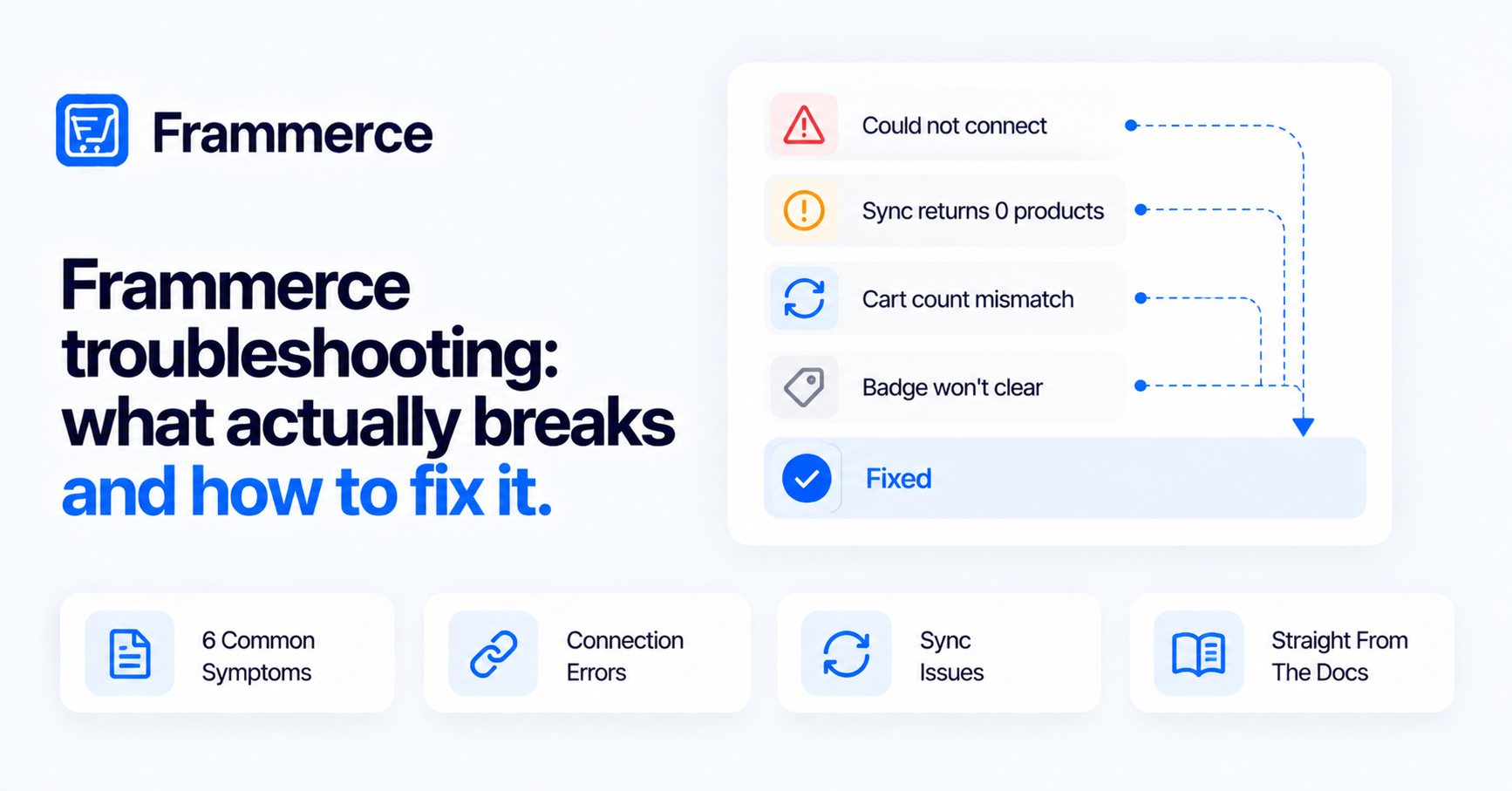
Common sync errors and fixes
Most sync failures trace back to one of these:
- Wrong domain format — the connection field wants your `.myshopify.com` domain, not your custom primary domain. No protocol, no path.
- Admin token instead of Storefront token — the token needs to come from the Storefront API access section of your Shopify custom app, not the Admin API tokens list.
- Missing scopes — the connection needs the `unauthenticated_read_product_listings` scope. Without it, the connection succeeds but products won't load.
- Rate limiting on large catalogs — catalogs above roughly 10,000 SKUs can hit Storefront API rate limits mid-sync. Wait a minute and retry; the sync resumes from where it left off instead of starting over.
- Products missing after sync — usually a sales-channel issue, not a sync bug. Confirm the product is published to Online Store.
Does Frammerce support subscription products?
Yes. Enable Include subscriptions in Sync Settings, and Frammerce pulls Shopify Subscriptions selling plans on the next sync. With that field on, cart components render subscription pricing correctly instead of showing one-time-purchase pricing on a subscription product.
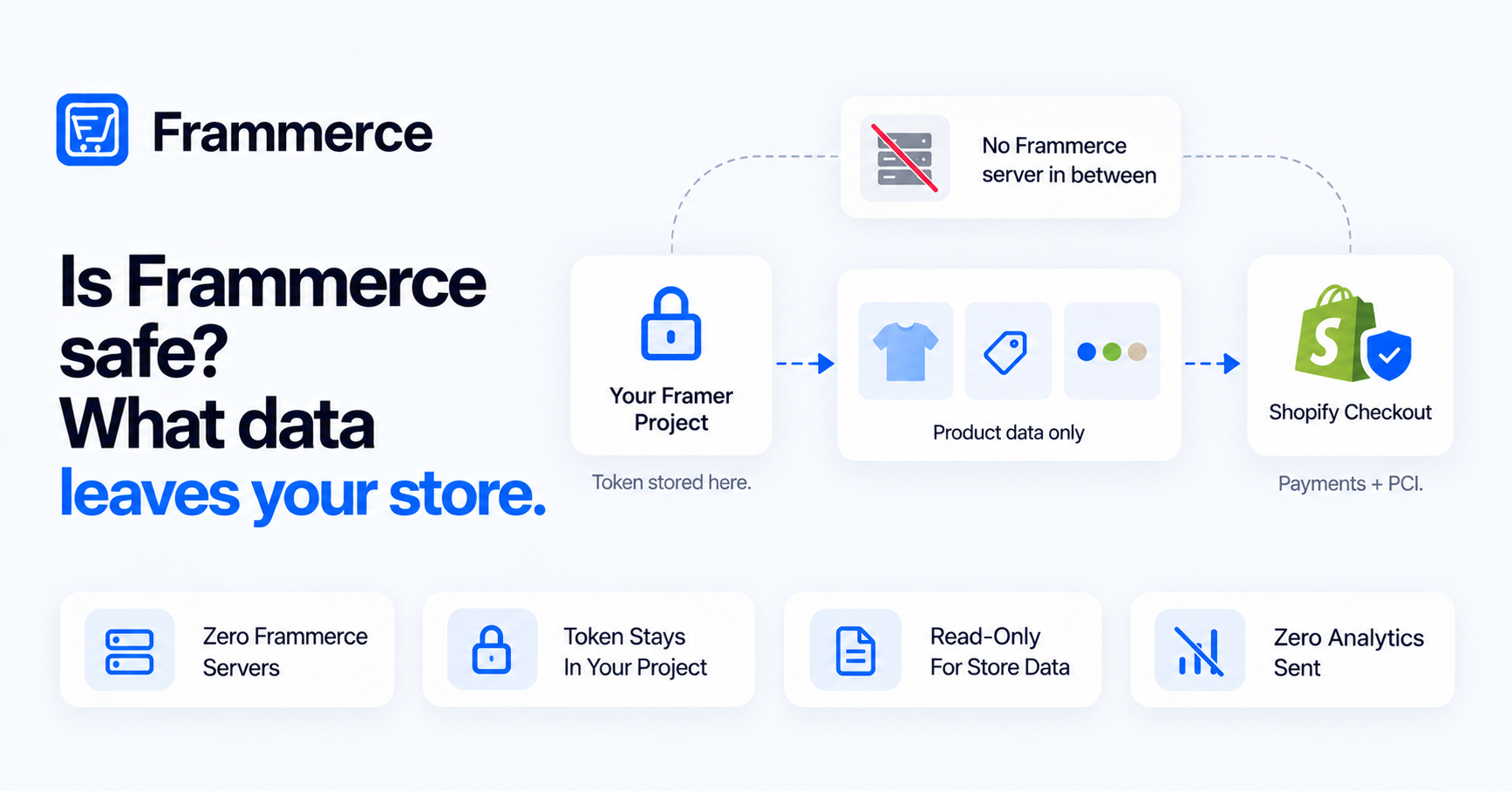
Is my Shopify data safe with Frammerce?
Your Storefront API token is stored in Framer's own pluginData, not on Frammerce's servers. That token is read-only and scoped to public storefront data, so a leaked token couldn't be used to modify your store. Frammerce sends zero analytics back to itself from the plugin's runtime, and your Shopify customer data never leaves Shopify — sync moves product catalog data into the CMS, not customer records.
Bottom line
Frammerce's CMS sync is a one-way, upsert-only pull from Shopify into Framer's CMS: five fields sync by default, four more are opt-in through a draft-then-apply flow, and nothing gets auto-deleted when a product disappears from Shopify. Know the Online Store publish requirement and the upsert-only behavior going in, and most "sync isn't working" reports resolve themselves.
If you're moving an existing store rather than starting fresh, the migration guide covers running a new build against these same sync mechanics before cutting over. Full field and settings reference is in the component docs. Check the pricing page for plan details, or get in touch with questions about a specific catalog.