Key takeaways
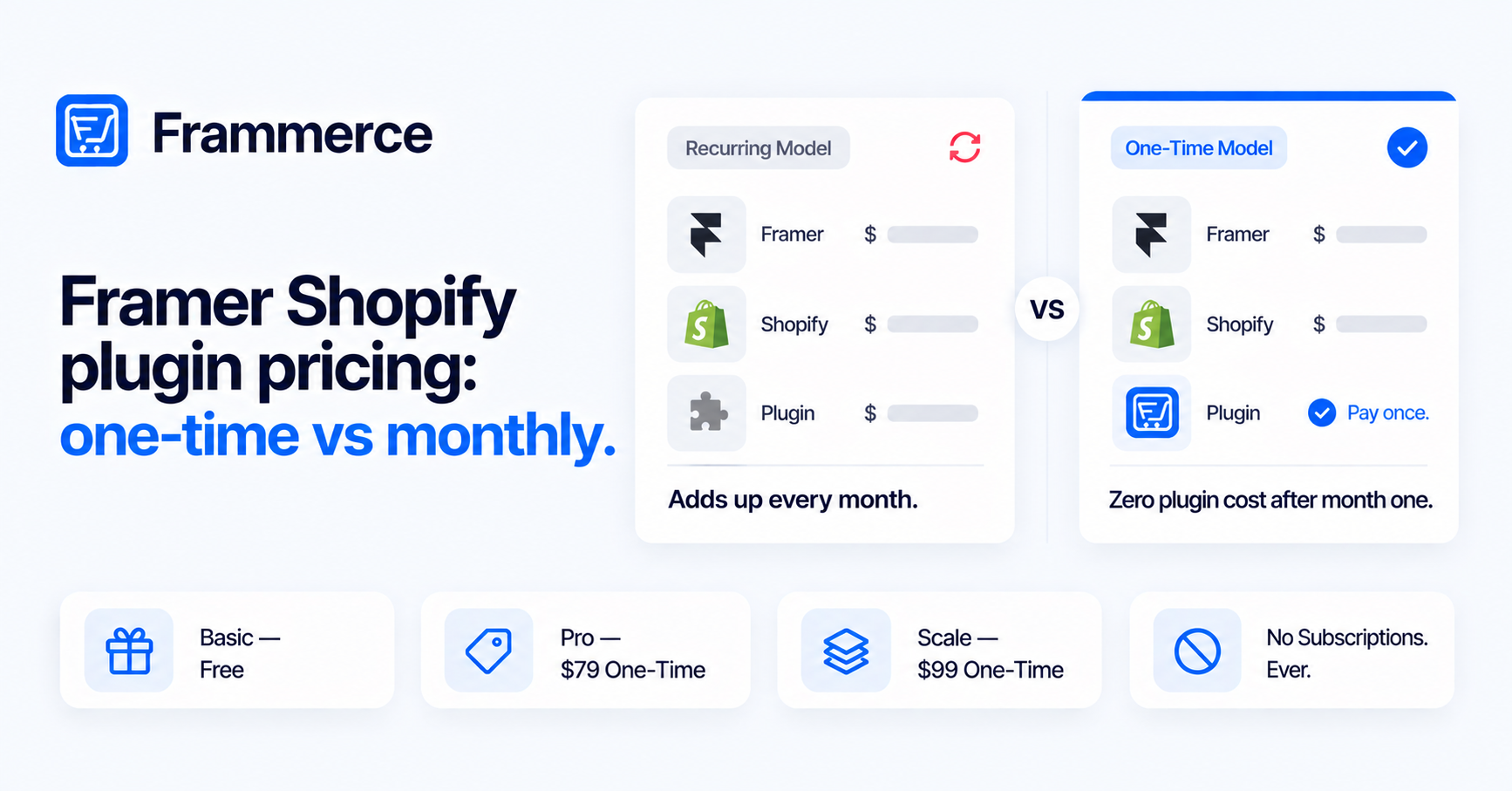
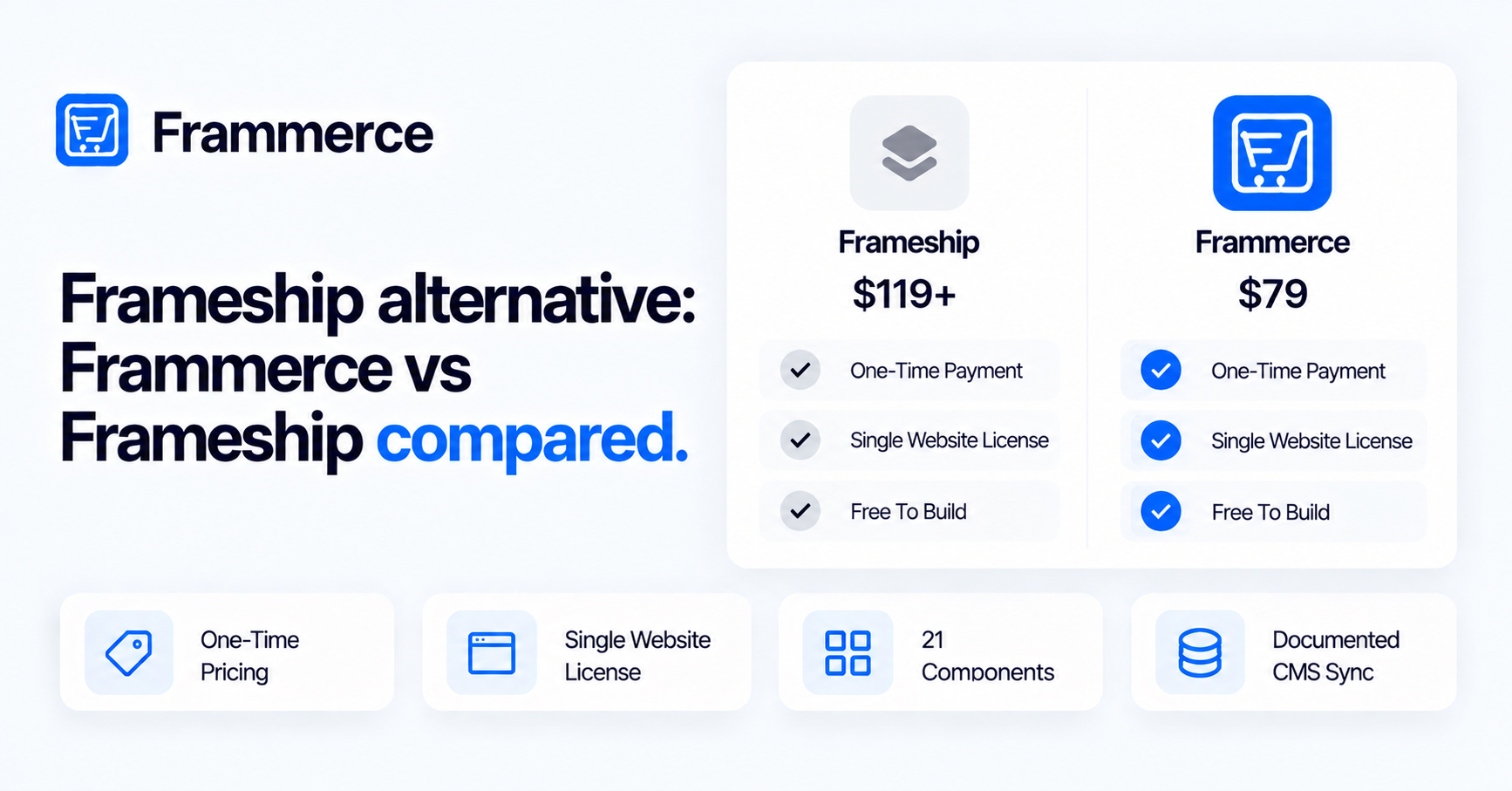
- Frameship and Frammerce are both one-time purchases with a single-website license, and both are free to build with before you publish.
- Frameship costs $119 (Launch) or $279 (Scale). Frammerce costs $79 (Pro) or $99 (Scale).
- Frameship lists more extras: customer accounts, bundles, discount codes, cart upsells and analytics integrations.
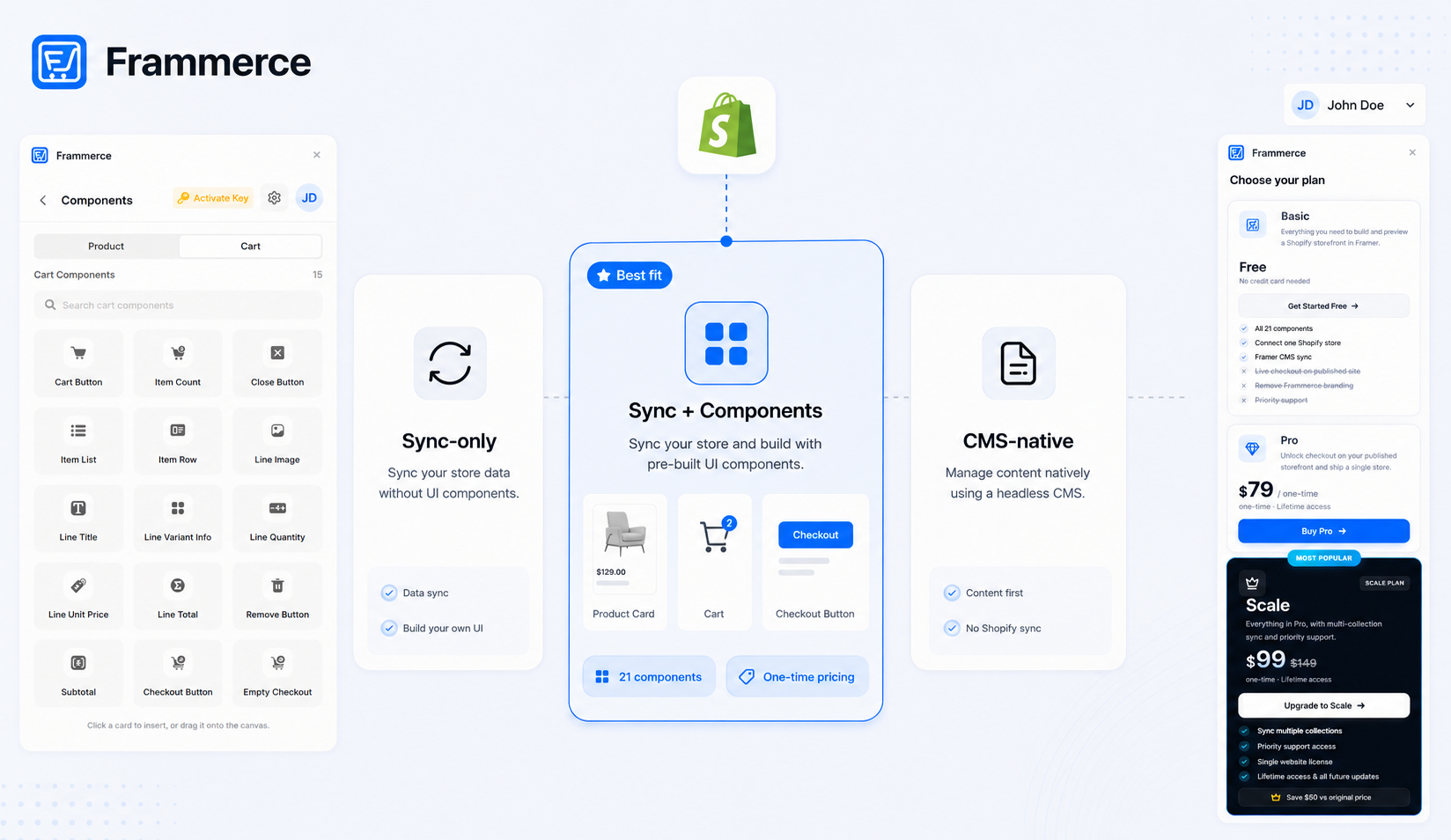
- Frammerce ships 21 components and a documented, upsert-only CMS sync that never deletes items.
- Which one fits depends on whether your store needs those extras. Neither is the right call for every store.
What is a Frameship alternative, and is Frammerce one?
If you're comparing Framer plugins for a Shopify store, a Frameship alternative is worth a look before you pay. We make Frammerce, so you should read this with that in mind. Every Frameship claim below comes from frameship.io or its own docs, and every Frammerce claim comes from our pricing page and docs. Where a source is silent, we say so instead of guessing.
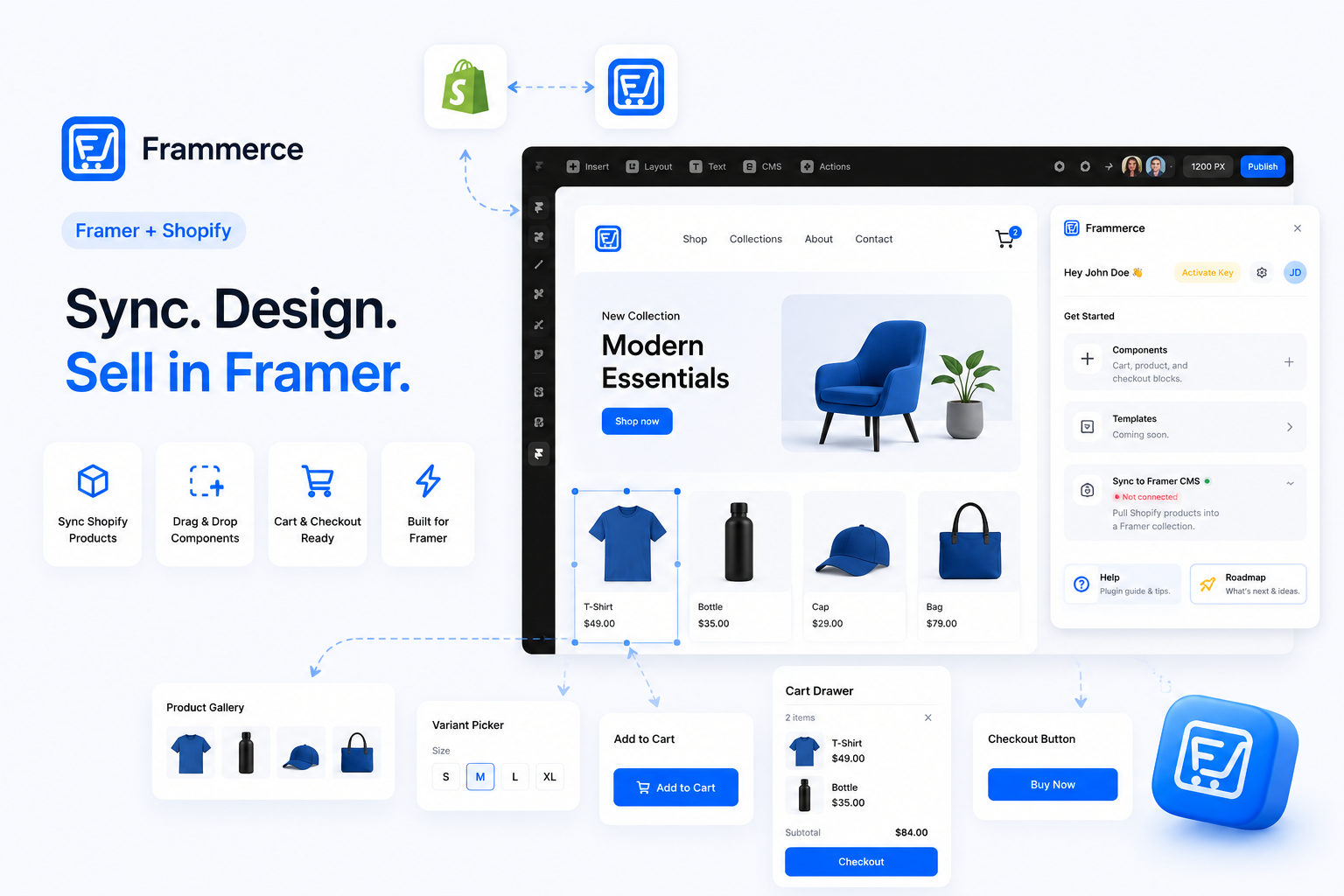
A Frameship alternative is any other Framer plugin that connects a Shopify store and lets you ship a store from the canvas, and Frammerce is one. Both plugins sell one-time licenses, and both let you design before you pay.
Frameship comes from insertframe.io, which hosts its docs index. Frammerce comes from FramerGeeks. Frammerce reads your catalog through Shopify's Storefront API, the same GraphQL API Frameship uses. Frameship's docs list a "Creating your Shopify App" setup step, so check how it connects before you assume the setup matches.
Checkout works the same way at a high level. Frammerce hands buyers to Shopify's hosted checkout, so payments, PCI and fraud checks stay with Shopify. Frameship lists a checkout button you can place anywhere on the canvas.
How does Frameship vs Frammerce pricing compare?
Frameship starts at $119 and Frammerce starts at $79 for a paid license, and both bill once. Neither charges a recurring plugin fee.
| Plan | Price | What the vendor lists |
|---|---|---|
| Frameship Launch | $119 (was $139) | Lifetime access, single website license, unlimited Shopify products, free starter templates, future updates |
| Frameship Scale | $279 (was $339) | Everything in Launch, plus 48+ Pro Components, user accounts, selling plans for recurring products, bundles, advanced filtering, cart upsells, markets, priority support |
| Frameship Enterprise | Contact Frameship | Custom integrations, a dedicated Framer expert, onboarding and training |
| Frammerce Basic | Free | All 21 components, 1 Shopify store connection, Framer CMS sync |
| Frammerce Pro | $79 one-time | Live checkout on the published site, branding removed, lifetime updates, standard email support |
| Frammerce Scale | $99 one-time (was $149) | Everything in Pro, plus multi-collection sync and priority support |
These prices come from the Frameship pricing page and the Frammerce pricing page. Frameship also offers a Build It For You option: a custom-built store on your Framer site with a one-week turnaround and no listed price.
The plugin is one line on the bill. You also pay for Framer itself, and its paid plans list $10 and $30 per month at the Basic and Pro levels. Our one-time pricing post walks through the full cost of a store over its lifetime.
What each plugin ships
Frameship lists more commerce features, and Frammerce lists a smaller set with a documented CMS sync. The table below uses each vendor's own pages. "Not documented" means the Frammerce docs we reviewed don't list the feature, which is different from proving it's absent.
| Capability | Frameship (per frameship.io) | Frammerce (per docs) |
|---|---|---|
| Component count | Scale lists 48+ Pro Components. The Sep 3, 2026 update mentions 23 components for product discovery | 21 components, product and cart |
| Cart and checkout | Custom cart design, checkout button placeable anywhere | Cart Button, Item List and Checkout Button, with checkout on Shopify |
| Variant selection | Variant selectors, color swatches, live inventory status | Variant Picker with pills, swatches or images, plus a stock label |
| Recurring products | Listed, on Scale | Shopify selling plans, toggled in Sync Settings |
| Discount codes | Listed, all four native Shopify discount types | Not documented |
| Bundles | Listed | Not documented |
| Customer accounts | Listed, on Scale | Not documented |
| Analytics integrations | Google Analytics, Meta Pixel, UTMs | The plugin sends no analytics |
| Multi-collection sync | Not stated on frameship.io | Scale plan |
The feature list on Frameship's home page is the source for its column. Frameship's updates page shows an active release cadence through 2026, including filters that require Scale. If you need accounts, bundles or discount codes today, that column favors Frameship. Our plugin comparison covers the wider field.
Does Frameship sync products to the Framer CMS?
Frameship's pages mention CMS work, but they don't describe a full catalog sync, so confirm field mapping in its docs before you commit. The updates page lists a metafields fix and imported Shopify metafields. The home page and the docs index don't explain how products land in the CMS.
Frammerce documents its sync in full. It fetches published Shopify products into a Framer managed collection. Title, handle, description, featured image and variants always sync. Compare-at price, vendor, tags and selling plans are optional toggles.
Each run is an upsert: existing items update in place and new products insert. Products you delete in Shopify stay in the CMS, because the sync never deletes. The CMS sync post shows the field mapping step by step, and the CMS docs cover the rules.
What does the free tier let you do?
Both plugins let you build and preview for free, and both require a paid license to take real orders on a published site. That's the fairest comparison point between them.
Frameship lets you open the plugin without an account. A free account lets you test components and connect a demo store on the canvas. Unlicensed sites display a banner, and publishing a working store needs a paid license.
Frammerce's Basic plan includes all 21 components, one store connection and CMS sync. On the published site, the quickstart docs say tapping Checkout shows an upgrade prompt instead of creating an order, rather than unlocking real checkout. Buy Now's behavior on Basic isn't documented either way. Pro or Scale turns real checkout on.
Both work with any Shopify plan. Frammerce's FAQ confirms no Shopify Plus requirement, and Frameship says it works on Basic Shopify plans.
How do licenses work for agency and client sites?
Frammerce licenses one website per paid license, and Frameship's pricing page says "Single website license" for Launch. If you build many client stores, you buy one license per store with either plugin.
Frameship's own wording is mixed. Its FAQ says each purchase equals one license, and another answer says a license works across any site or store you choose, including client projects. Ask Frameship which one applies before you buy for several clients. It also lets you move a license between projects by disconnecting it and activating it in the new one.
Our agency workflow post covers how designers use Basic as a pitch tool and move clients to a paid license at handoff. Refund terms differ by vendor, so read each one's current policy before you pay. The refund link on Frameship's pricing page points to a page named for a different product, so we can't state its terms.
Which Frameship alternative fits your store?
Pick Frameship if you need its extras today, and pick Frammerce if you want a lower one-time cost and a documented CMS sync. Both are valid for a Framer ecommerce build.
Choose Frameship when:
- You need customer accounts, bundles, discount codes or cart upsells.
- You want Google Analytics, Meta Pixel or UTM support listed in the plugin.
- You'll use the Scale tier and want 48+ Pro Components.
- You want a done-for-you build from the vendor.
Choose Frammerce when:
- You want to pay $79 or $99 once and keep lifetime updates.
- You want a CMS sync with documented rules, including optional fields and the never-delete behavior.
- You sell across several collections and want multi-collection sync on the Scale plan.
- You want to design the full storefront on Basic before you spend anything.
Neither plugin removes Shopify from the stack. Both sit between your Framer canvas and your Shopify catalog, so the choice comes down to features and budget.
Do you need a Framer Shopify template to start?
No, you don't need a Framer Shopify template to start, but a template speeds up the first layout. Frameship Launch lists free starter templates, so you get a layout with the plugin.
Frammerce ships components, and the FAQ says you style them like any other layer in your own design. You can start from a blank canvas or from any Framer template you already like. Our ecommerce templates post covers what templates give you and what they leave out.
How to trial both before you buy
Trialing both takes an afternoon and costs nothing, because each plugin lets you build before you pay.
- 1Install each plugin
From the Framer Marketplace, then open each one from the Plugins panel.
- 2Connect a Shopify store
Frameship also lets you connect a demo store on the canvas, and Frammerce connects with your .myshopify.com URL and a Storefront access token.
- 3Drop in core components
A product gallery, variant picker, cart button and checkout button onto the canvas.
- 4Sync your products
To the Framer CMS, and bind a product page to them.
- 5Publish a test page
And click through the full cart flow.
- 6Note what you missed
That list tells you which tier to buy.
Is Framership the same as Frameship?
Framership isn't a separate product we could find, and it's a common misspelling of Frameship. Searches for it tend to land on frameship.io. If you typed Framership looking for a Shopify plugin for Framer, Frameship is the product you want to look at.
Does Frameship charge a recurring fee?
No, Frameship states that it is a one-time payment only. Frammerce is one-time as well. You still pay for your Framer plan and your Shopify plan.
Can I switch from Frameship to Frammerce?
Yes, but you rebuild your product and cart layouts with the other plugin's components. The two plugins ship different components, so layouts don't transfer. Your Shopify catalog stays in Shopify, and you reconnect the store and sync again.
Do both plugins work on any Shopify plan?
Yes, according to each vendor. Frameship says it works on any Shopify plan including Basic, and Frammerce says any plan works, including development stores.
Bottom line
Frameship offers more commerce extras and costs more. Frammerce costs less, ships 21 components and documents its CMS sync. Both are one-time, both are free to build with, and both need a paid license to publish a live store.
Start both on the canvas, note what you miss, and buy the one that covers your list.